

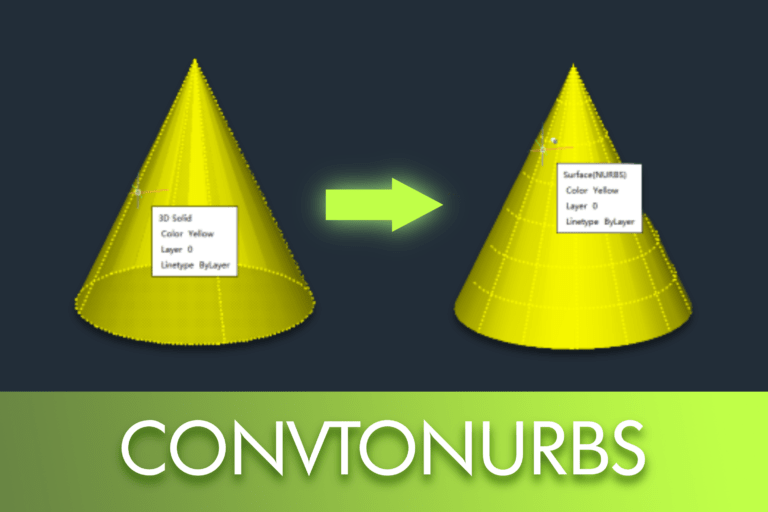
The surfaces NURBS (Non-Uniform Rational B-Splines) are a mathematical representation widely used in CAD and 3D modelling to create smooth, precise, and highly editable geometry. Unlike simple meshes or basic surfaces, NURBS allow for exact curves, smooth continuity, and advanced shape control through control vertices (CVs).
In professional workflows — such as product design, industrial modelling, and advanced surface editing — the use of NURBS-based geometry is essential. It is in this context that the command CONVTONURBS do you LusoCAD becomes particularly useful, allowing existing 3D solids and surfaces to be converted into NURBS surfaces and unlocking advanced editing functionalities.
What is the CONVTONURBS Command?
The command CONVTONURBS In LusoCAD, it is used to convert:
- Solid 3D
- 3D Surfaces
em NURBS surfaces, making them suitable for high-precision modelling work and detailed surface editing.
How to Access the CONVTONURBS Command in LusoCAD
There are several ways to access the command CONVTONURBS, depending on the workspace or user preference.
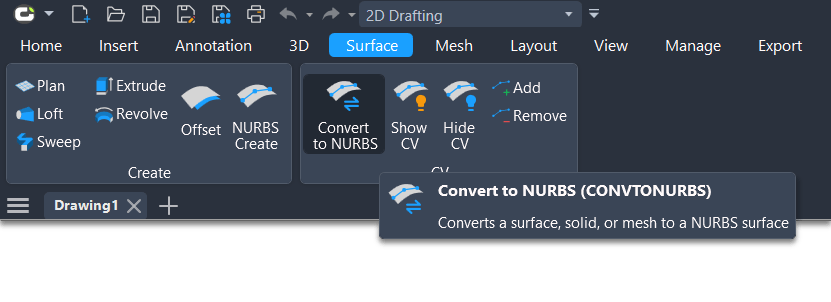
1. Using the 2D Drawing Workspace
In the workspace 2D drawing, access:
Surface → Convert to NURBS
This option allows quick access via the ribbon interface.
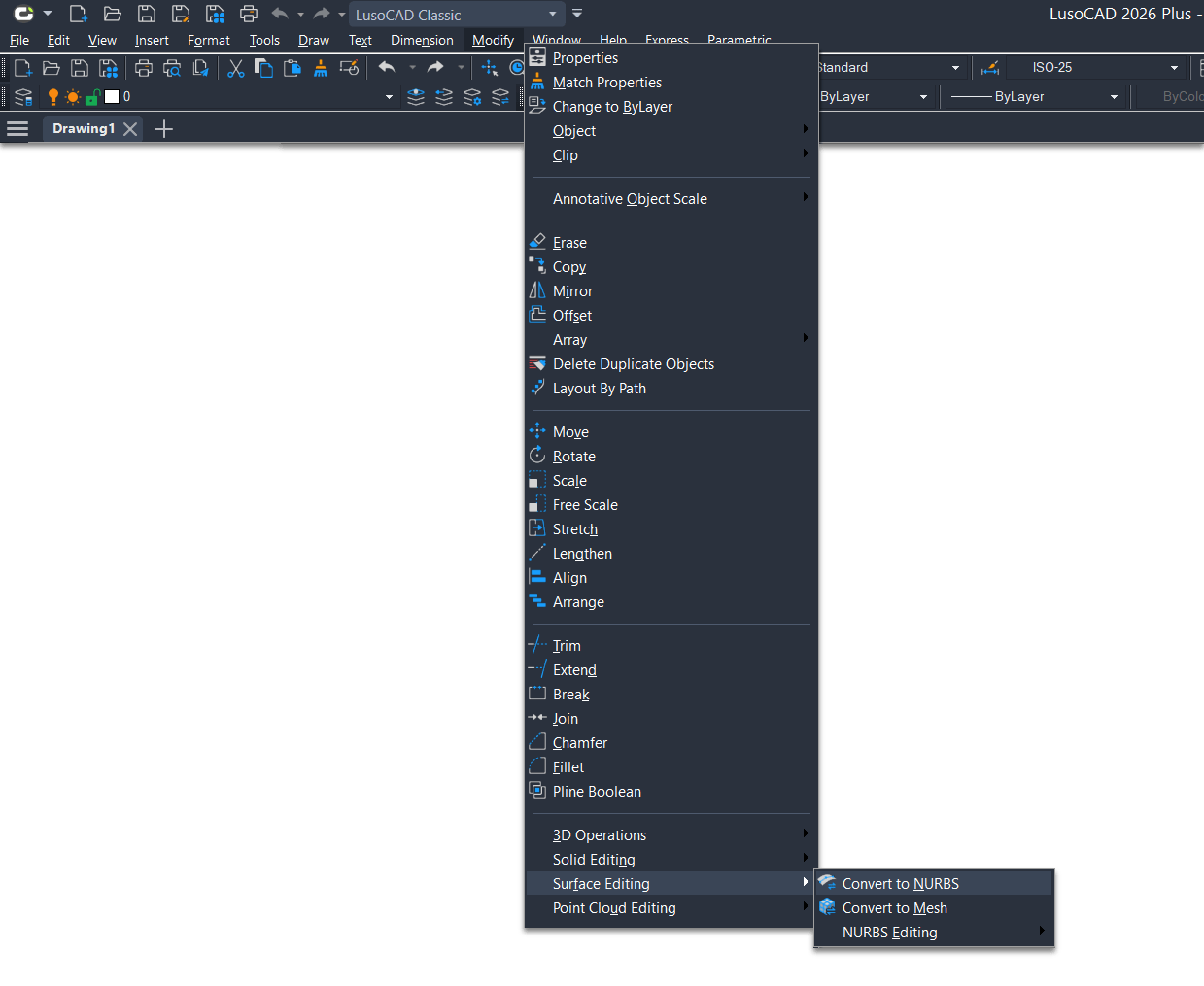
2. Using the LusoCAD Classic Workspace
When you are using the LusoCAD Classic, navigate to:
Modify → Surface Edit → Convert to NURBS
This method is ideal for users who prefer traditional menu navigation.
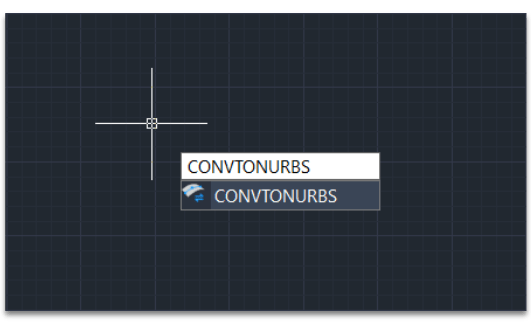
3. Using the Command Line
You can also start the command directly:
- Write CONVTONURBS
- First Enter
This is generally the quickest method for experienced users.
How to Use CONVTONURBS
The command CONVTONURBS It's simple and easy to use.
- Execute the command using one of the indicated methods.
- When requested, Select the 3D solids or surfaces What do you intend to convert.
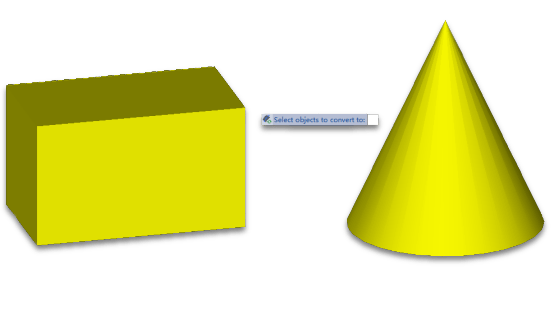
- Confirm the selection to complete the conversion.
After this process, the selected objects become NURBS surfaces and can be edited with tools specific to this type of geometry.
Before and After: Example of NURBS Conversion
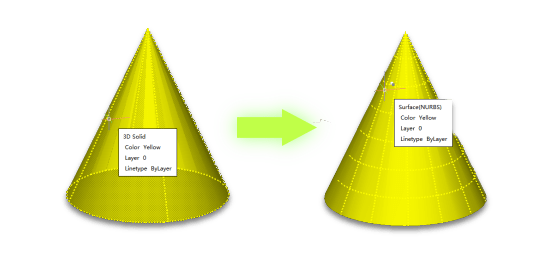
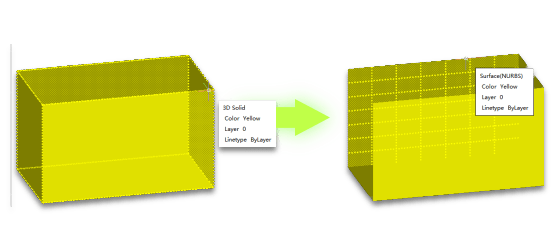
When converting common 3D objects, such as a solid box or a Cone, it can be observed that:
- Before conversion, objects behave like standard solids.
- After the execution of CONVTONURBS, the geometry becomes a NURBS surface with editable control vertices.
This allows for smoother refinements, shape adjustments, and advanced surface editing.
Convert Meshes to NURBS in LusoCAD
Direct conversion of meshes into NURBS is not supported. However, it is possible to achieve the same result via a two-step process:
- Convert the mesh into a solid or a surface using:
- CONVTOSOLID, or
- CONVTOSURFACE
- Next, apply the command CONVTONURBS to convert the result into a NURBS surface.
This workflow ensures compatibility and correct geometry conversion.
Useful Tips: Additional NURBS Tools in LusoCAD
LusoCAD also includes several tools that complement the editing of NURBS surfaces:
- CVSHOW – Show control vertices
- CVHIDE Hide control vertices
- CVADD – Add new control vertices
- CVREMOVE – Remove existing control vertices
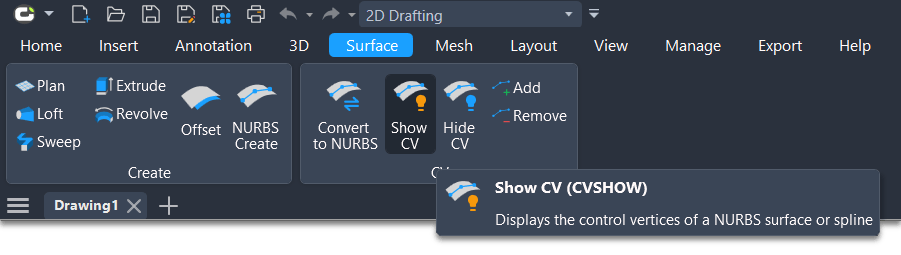
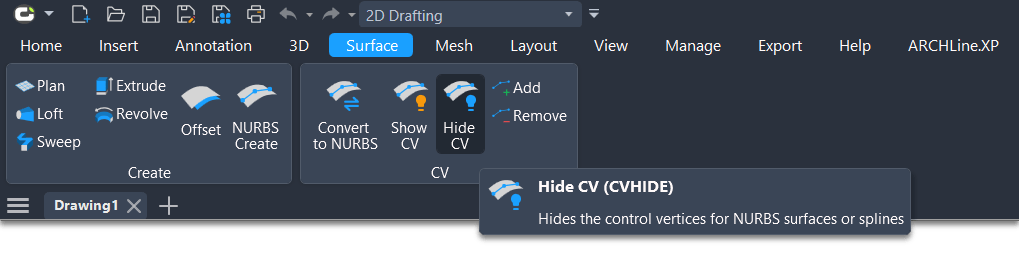
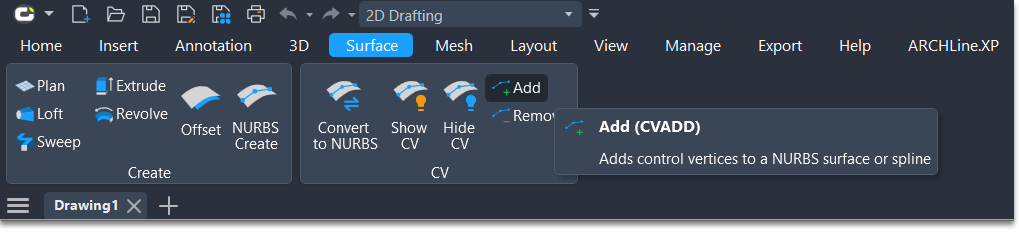
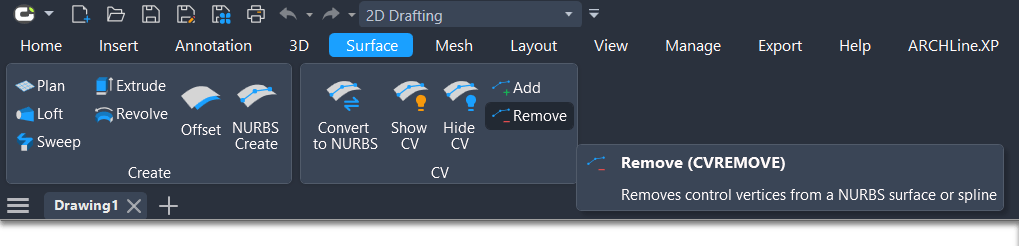
These commands allow precise control over NURBS geometry and significantly increase flexibility in surface modelling.
The command CONVTONURBS It is an essential tool in LusoCAD for users working with advanced 3D modelling and surface design. By converting solids and surfaces to NURBS, it is possible to achieve greater precision, smoother results, and access to powerful editing functionalities. Whether for refining existing models or preparing geometry for professional workflows, CONVTONURBS plays a fundamental role in high-level CAD projects.

 English
  Portuguese
  Spanish