Dynamic Block Editor
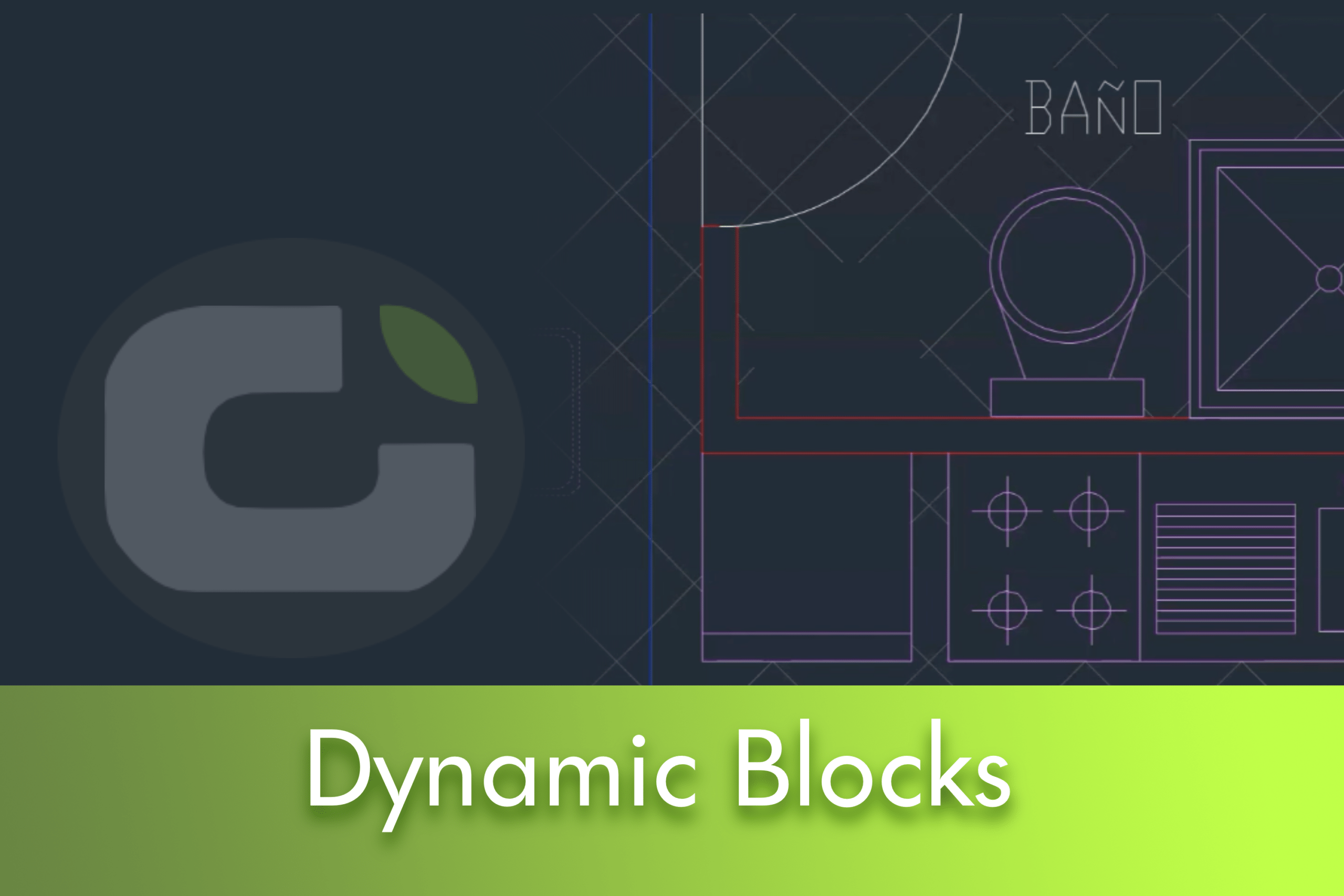
Use the Block Editor to define and modify the objects and behaviour in a block definition. In the Block Editor, you add parameters and actions, which define custom properties and dynamic behaviour.


Use the Block Editor to define and modify the objects and behaviour in a block definition. In the Block Editor, you add parameters and actions, which define custom properties and dynamic behaviour.
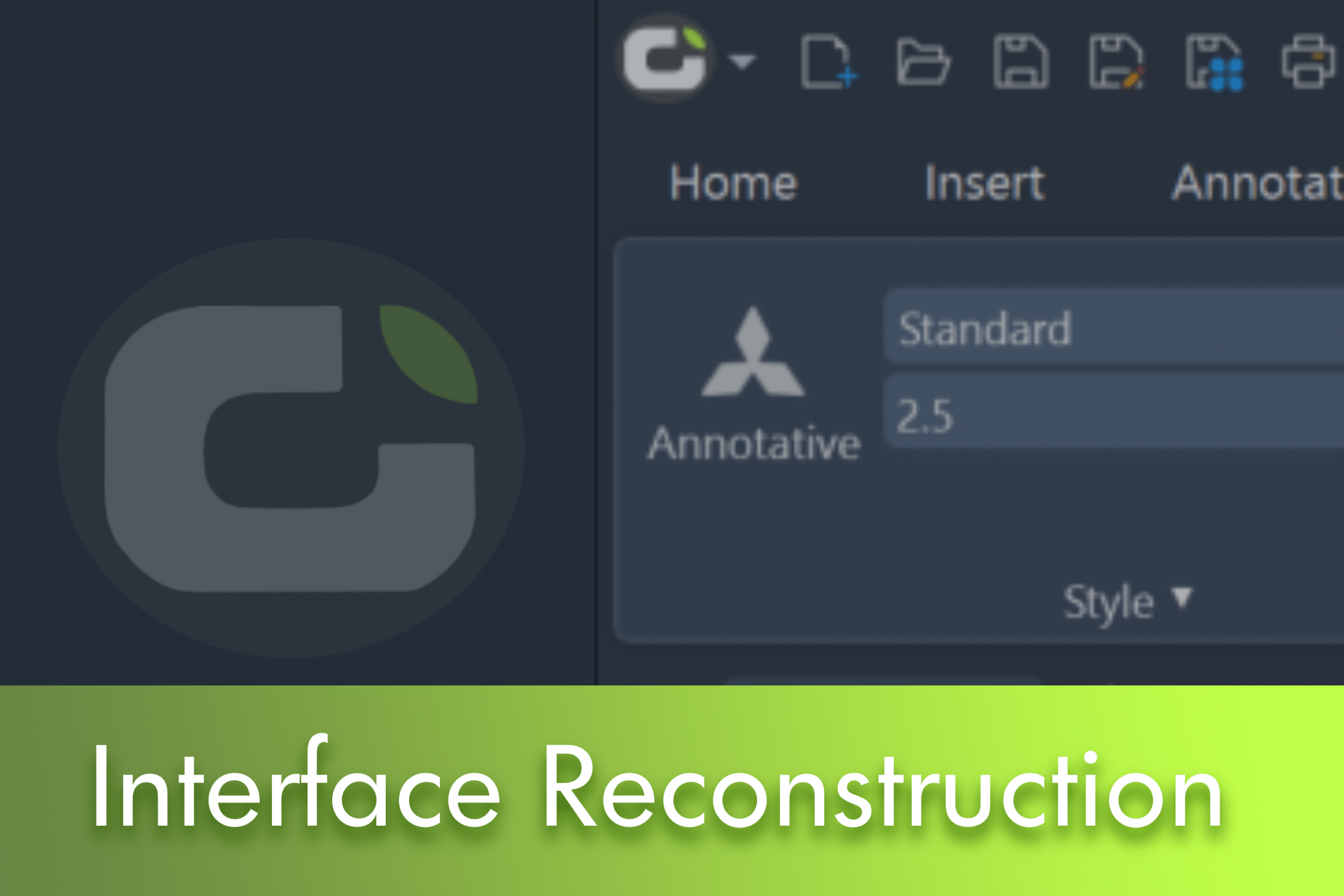
This article explores the comprehensive reconstruction of the LusoCAD 2026 interface, a significant remodelling based on the WPF framework that addresses both the technical architecture and the visual system.
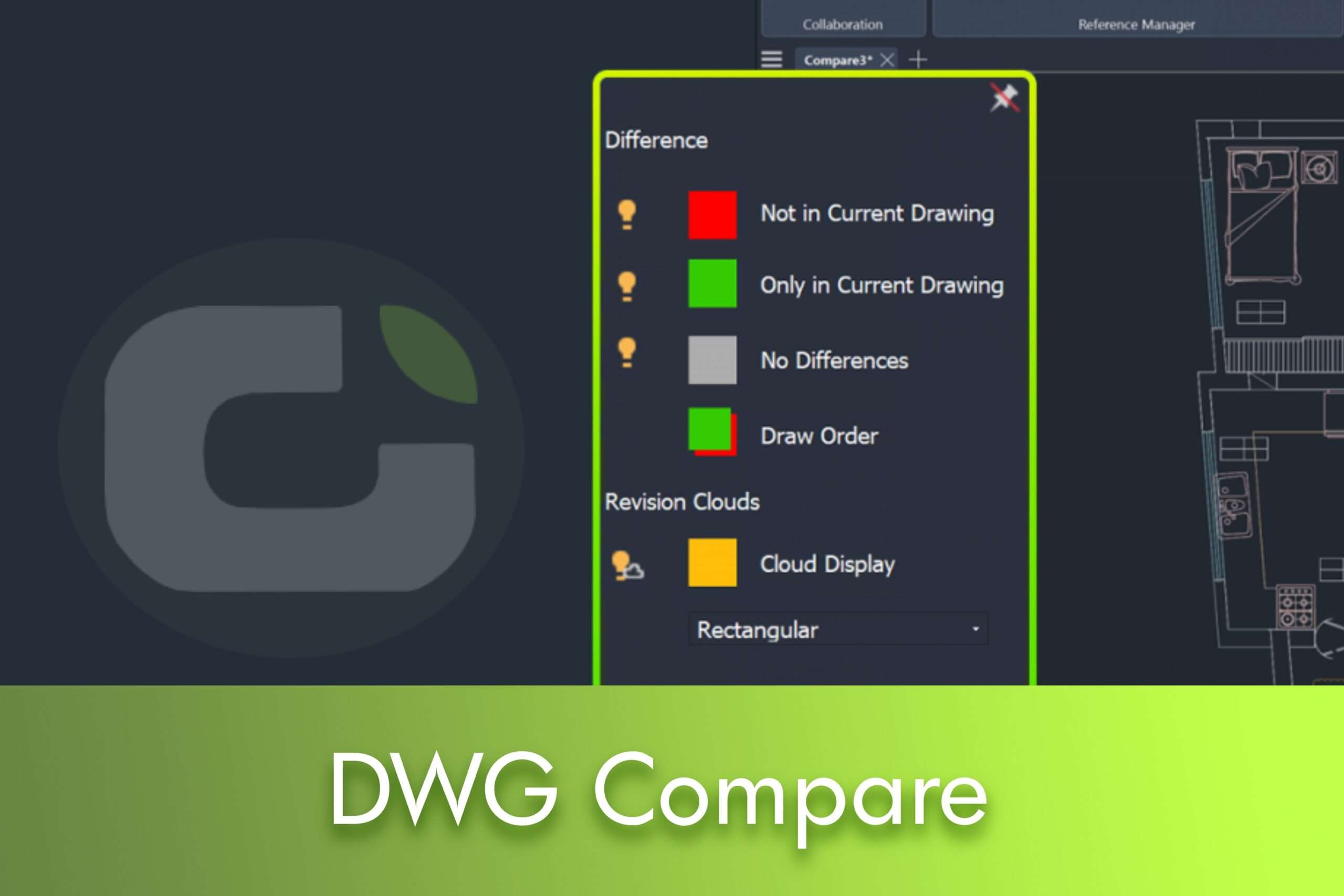
The new DWG Compare feature in LusoCAD 2026 allows you to visually compare a specified drawing with your current drawing, highlighting the differences using revision clouds.
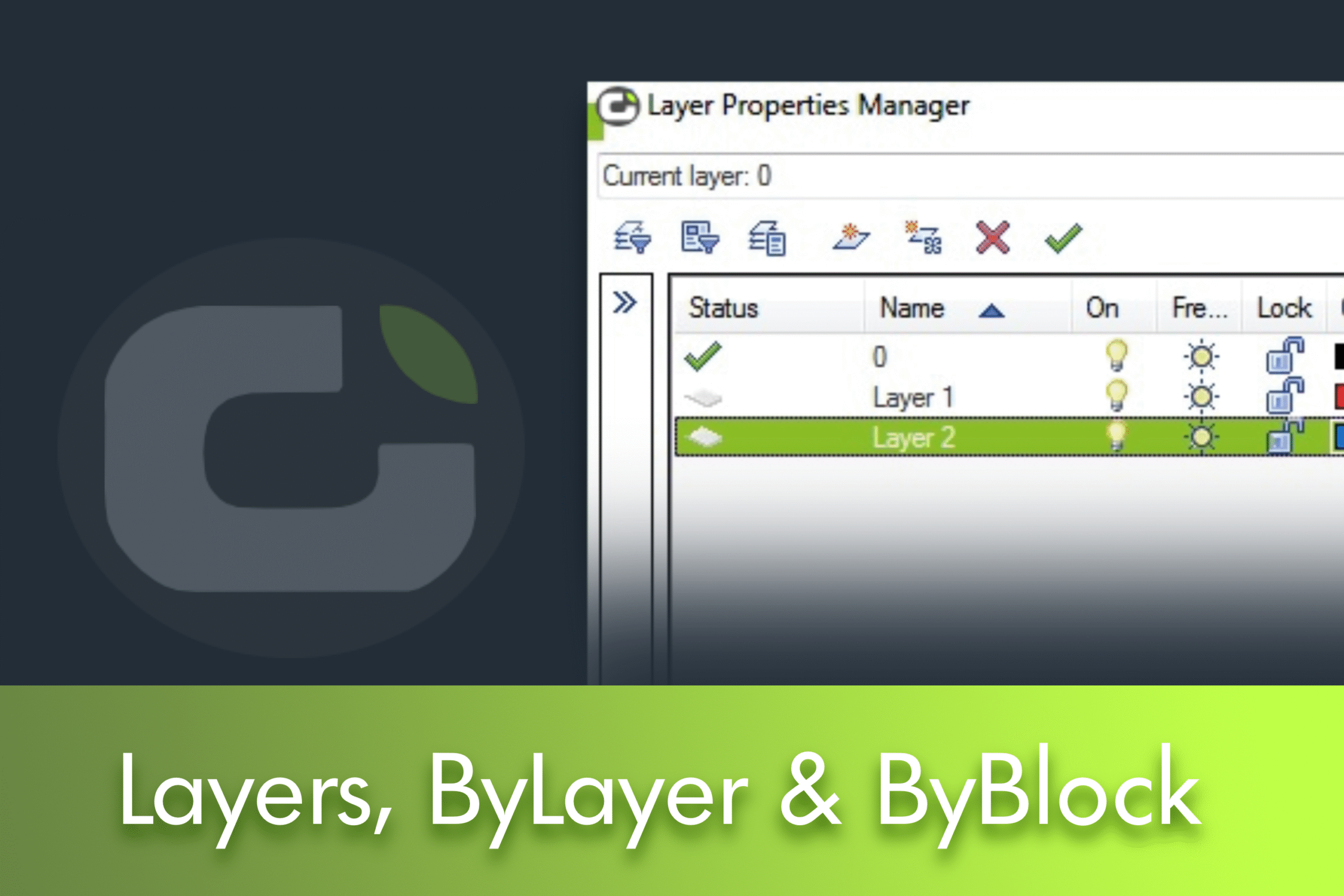
Understanding Layer 0, ByLayer and ByBlock in LusoCAD Whenever you create a new drawing, you'll see a default layer: Layer0. You'll quickly realise that you can't delete it. Then, when you define its properties, such as colour, line thickness, etc., you'll see ByLayer and ByBlock properties. Many of you will already know what ByLayer means. But ... Read more
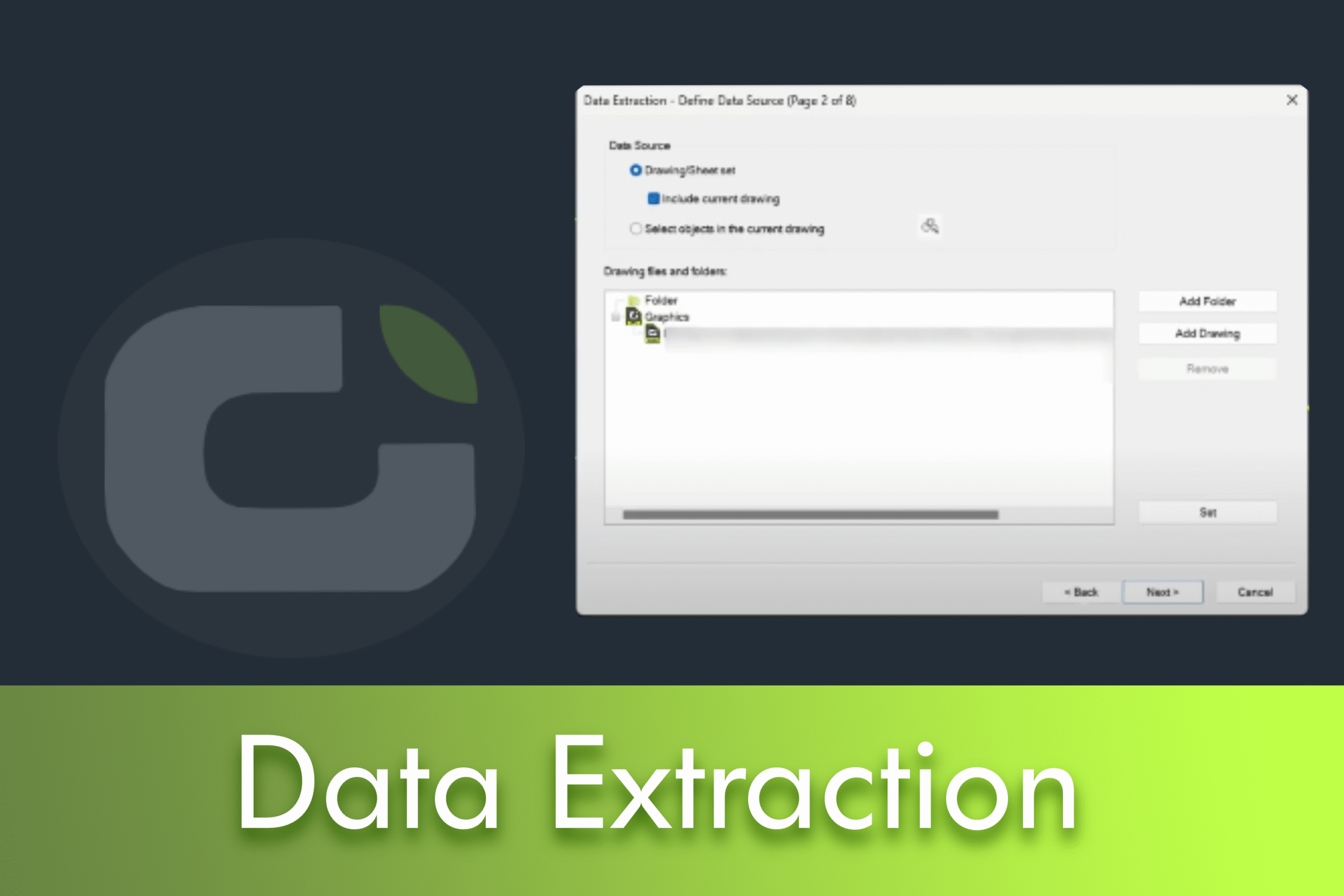
In many CAD workflows, producing accurate schedules, bills of materials (BOMs) and quantity surveys is just as critical as the drawings themselves. However, manual counts, ad hoc spreadsheets and inconsistent attribute nomenclatures often lead to delays and errors. LusoCAD 2026 solves these pain points with a guided Data Extraction workflow that reads object information directly from your drawings and transforms it into ready-to-use tables or exports.


 English
  Portuguese
  Spanish