Dynamic Block Editor
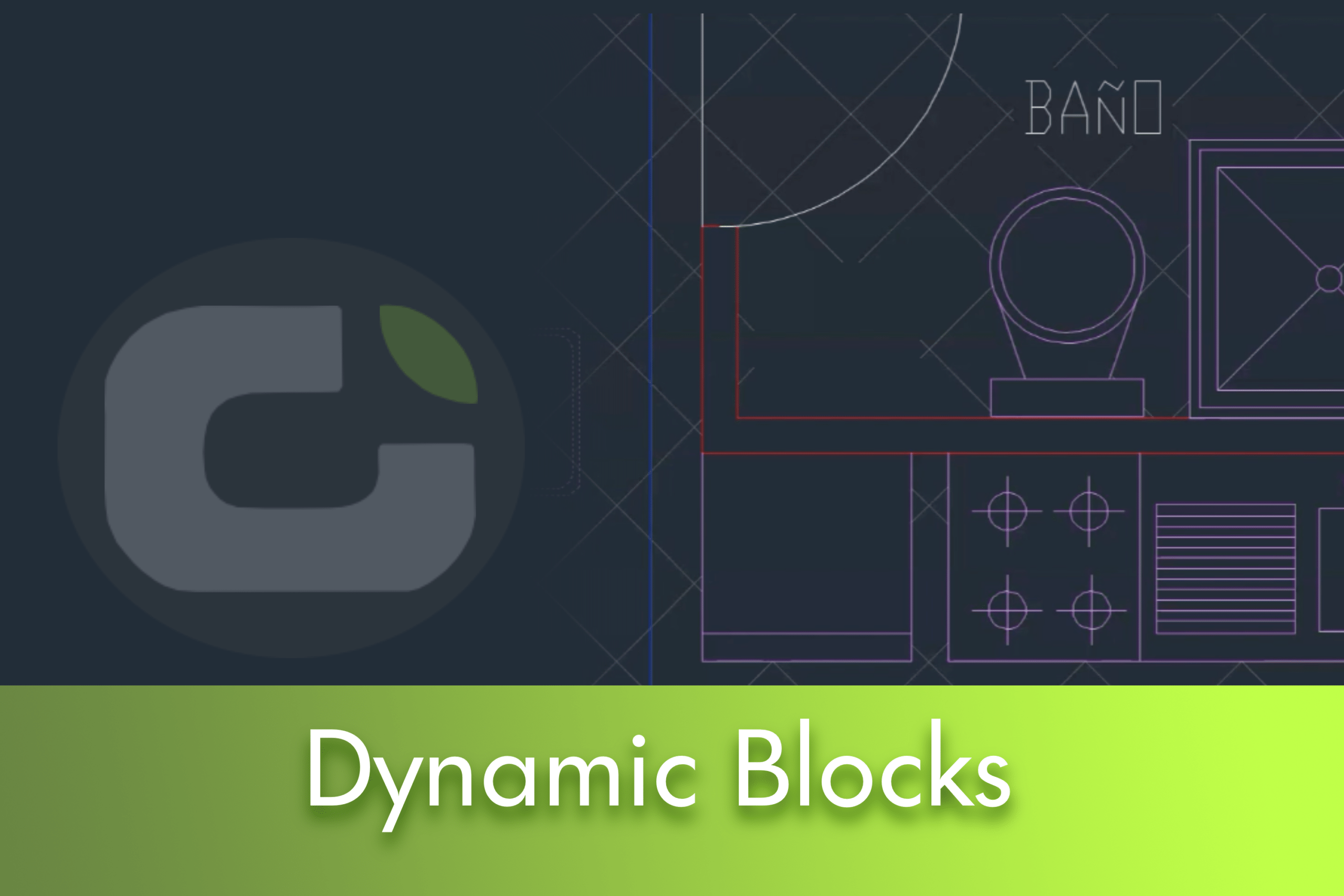
Use the Block Editor to define and modify the objects and behaviour in a block definition. In the Block Editor, you add parameters and actions, which define custom properties and dynamic behaviour.


 Juan
Juan
Use the Block Editor to define and modify the objects and behaviour in a block definition. In the Block Editor, you add parameters and actions, which define custom properties and dynamic behaviour.
This article explores the comprehensive reconstruction of the LusoCAD 2026 interface, a significant remodelling based on the WPF framework that addresses both the technical architecture and the visual system.
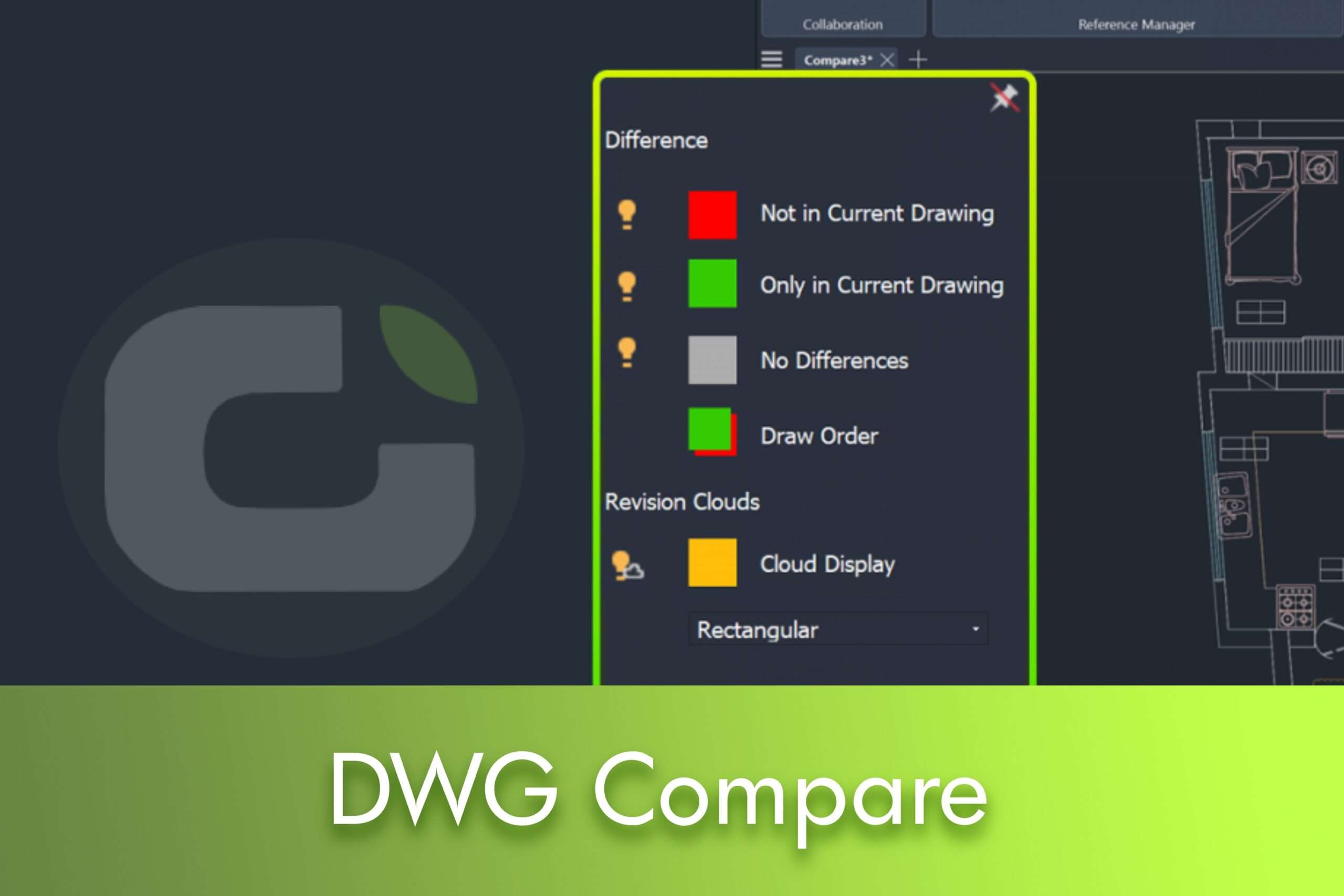
The new DWG Compare feature in LusoCAD 2026 allows you to visually compare a specified drawing with your current drawing, highlighting the differences using revision clouds.
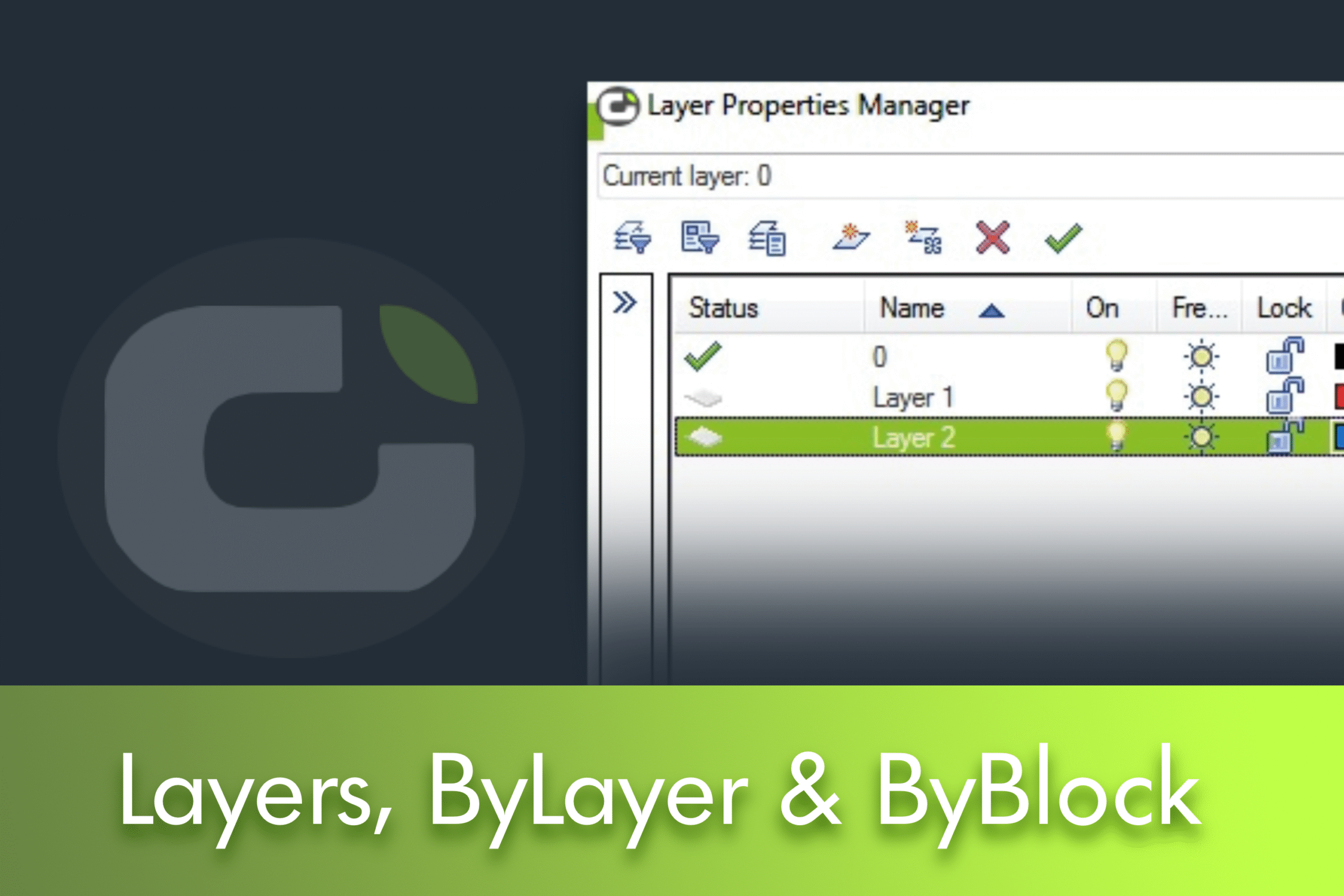
Understanding Layer 0, ByLayer and ByBlock in LusoCAD Whenever you create a new drawing, you'll see a default layer: Layer0. You'll quickly realise that you can't delete it. Then, when you define its properties, such as colour, line thickness, etc., you'll see ByLayer and ByBlock properties. Many of you will already know what ByLayer means. But ... Read more
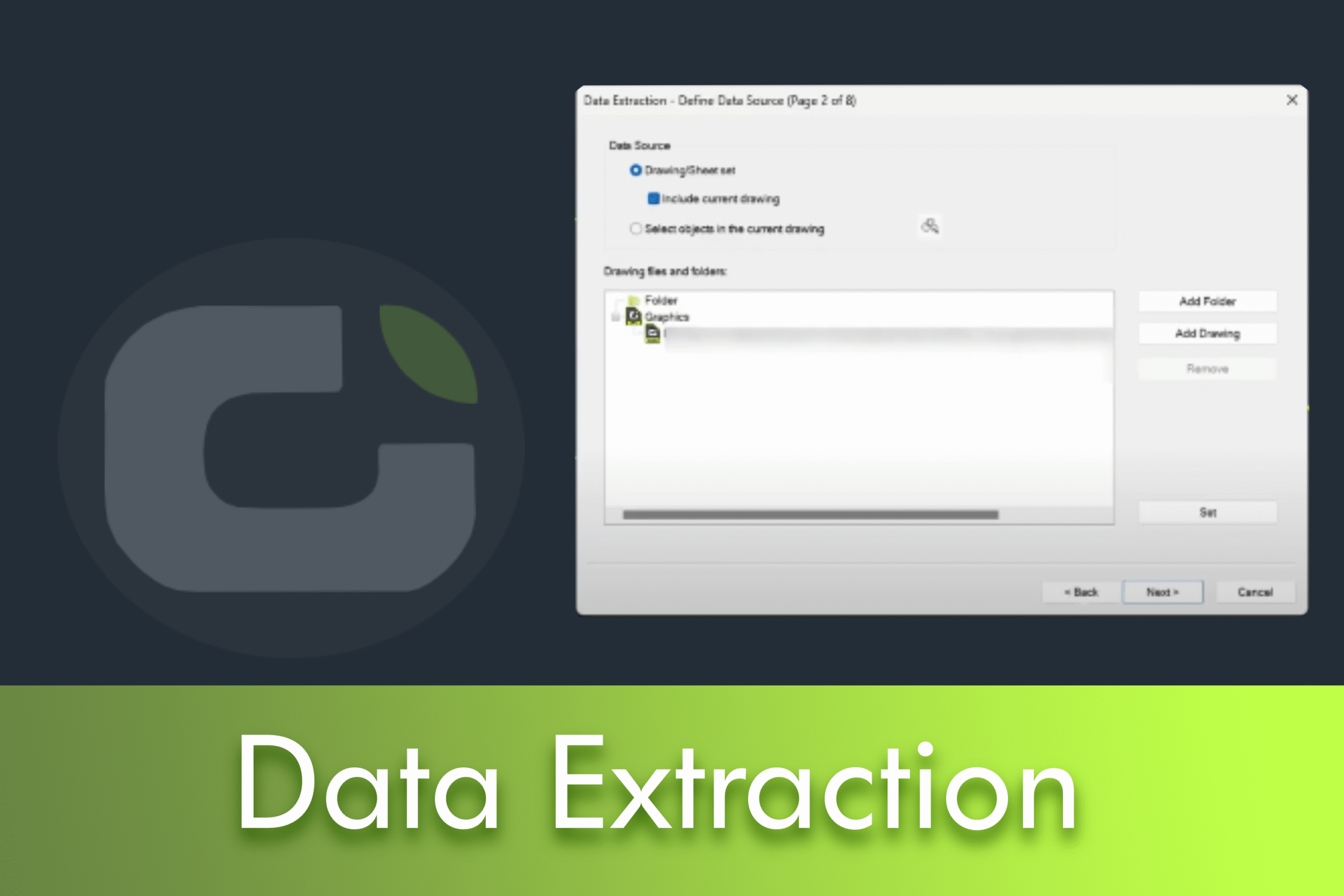
In many CAD workflows, producing accurate schedules, bills of materials (BOMs) and quantity surveys is just as critical as the drawings themselves. However, manual counts, ad hoc spreadsheets and inconsistent attribute nomenclatures often lead to delays and errors. LusoCAD 2026 solves these pain points with a guided Data Extraction workflow that reads object information directly from your drawings and transforms it into ready-to-use tables or exports.
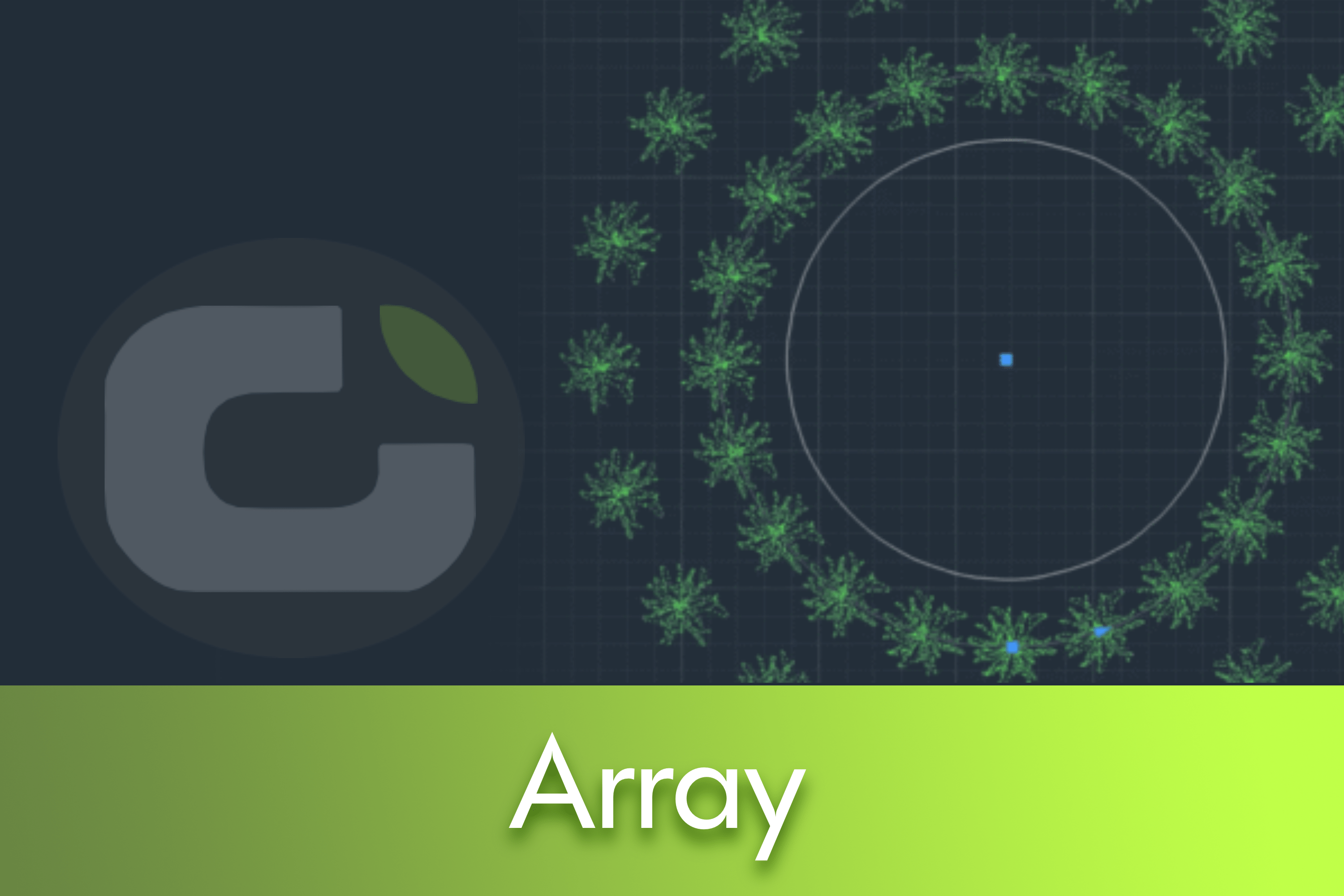
In this practical guide, we explain how LusoCAD's Array tool distributes objects in rectangular and circular patterns and along a path.
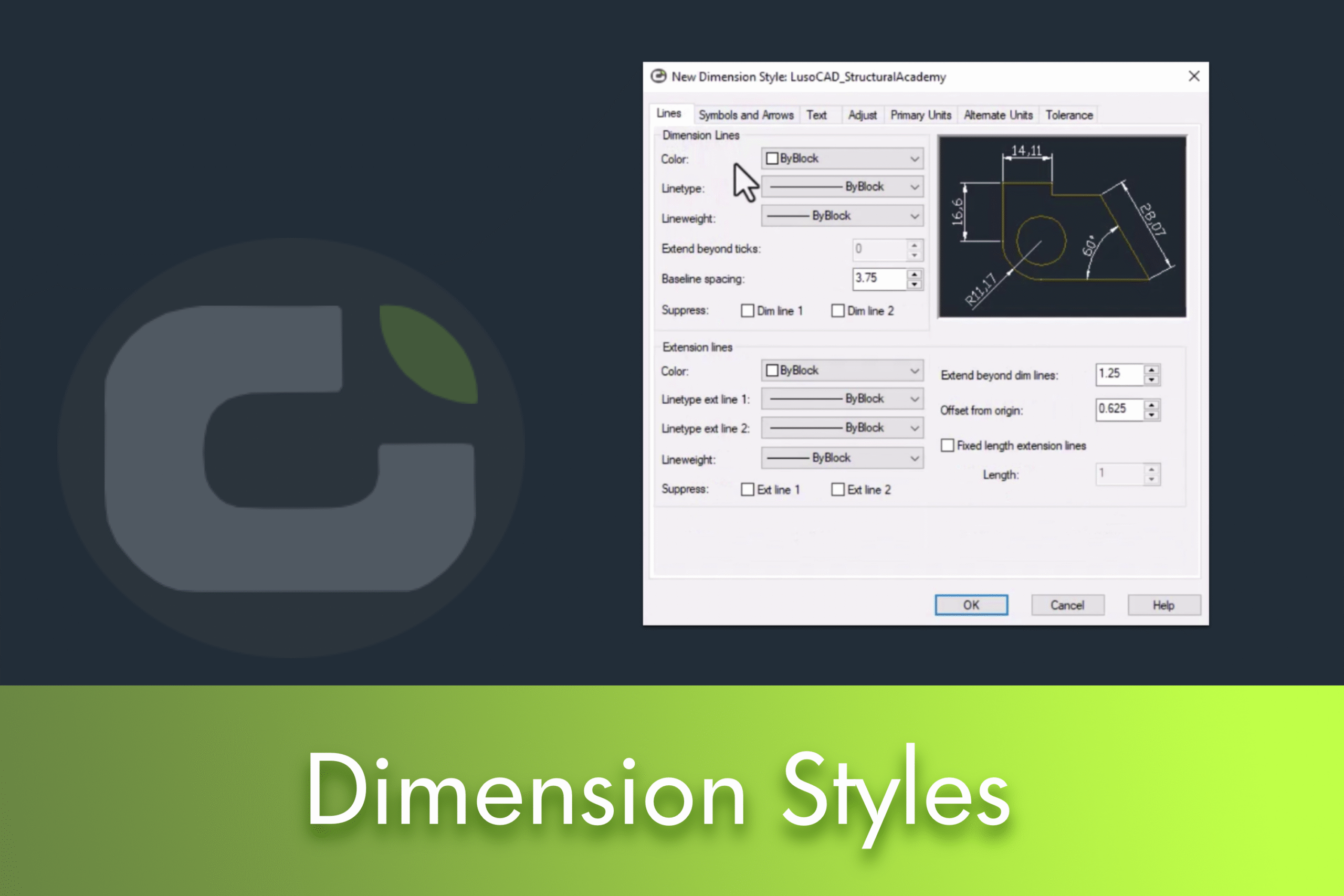
Dimension styles in LusoCAD control the appearance of dimensions in your drawing: lines, arrows, text and units. Customising them ensures legibility, graphic consistency and compliance with project standards. In this guide, you'll see how to open the style manager, create a new style and adjust the main tabs to get clear, uniform dimensions at any scale.
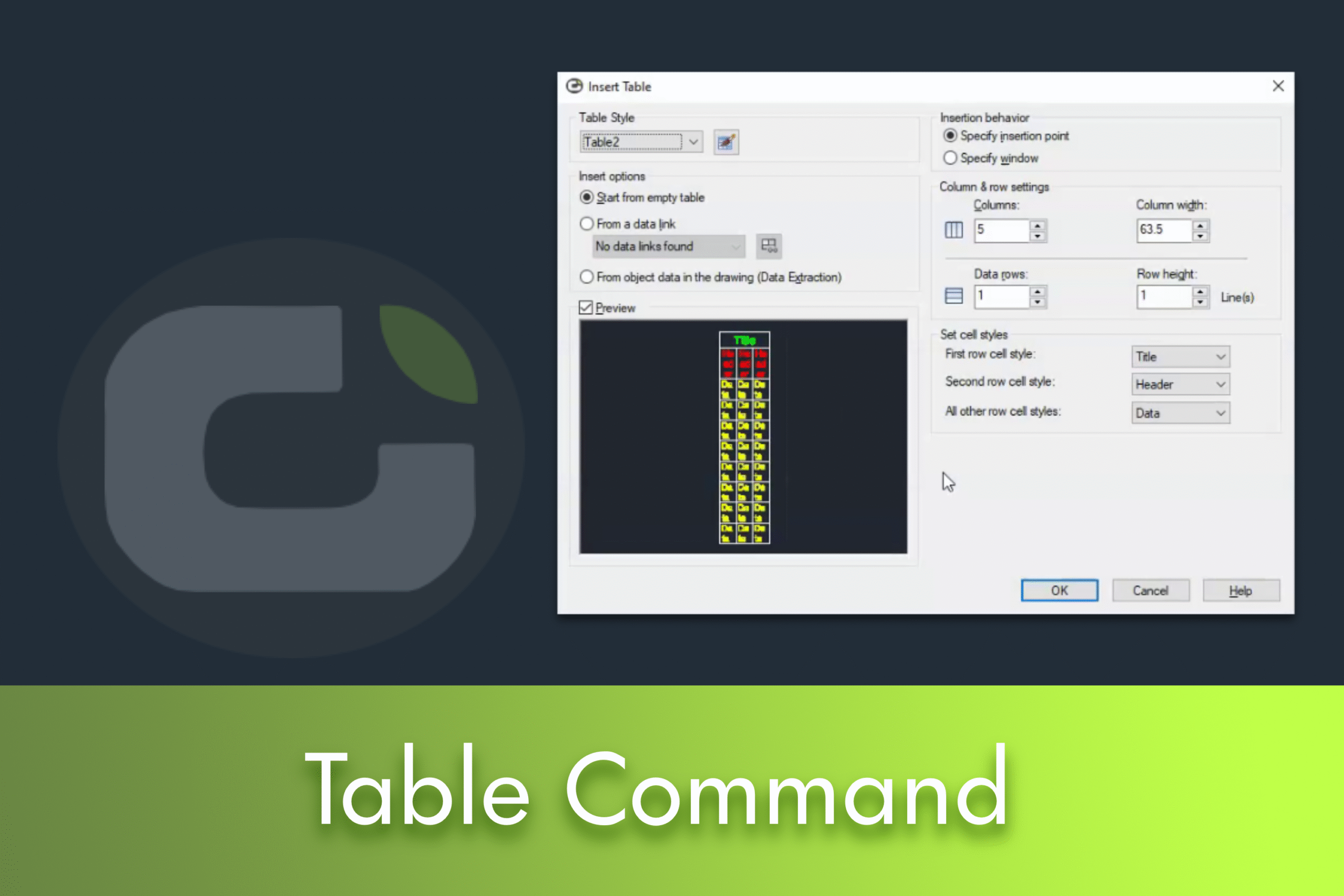
Creating tables can be an essential skill for anyone who wants to present data clearly and efficiently. In this article, we'll guide you through the basics of creating and customising tables in LusoCAD, based on our recent video tutorial.
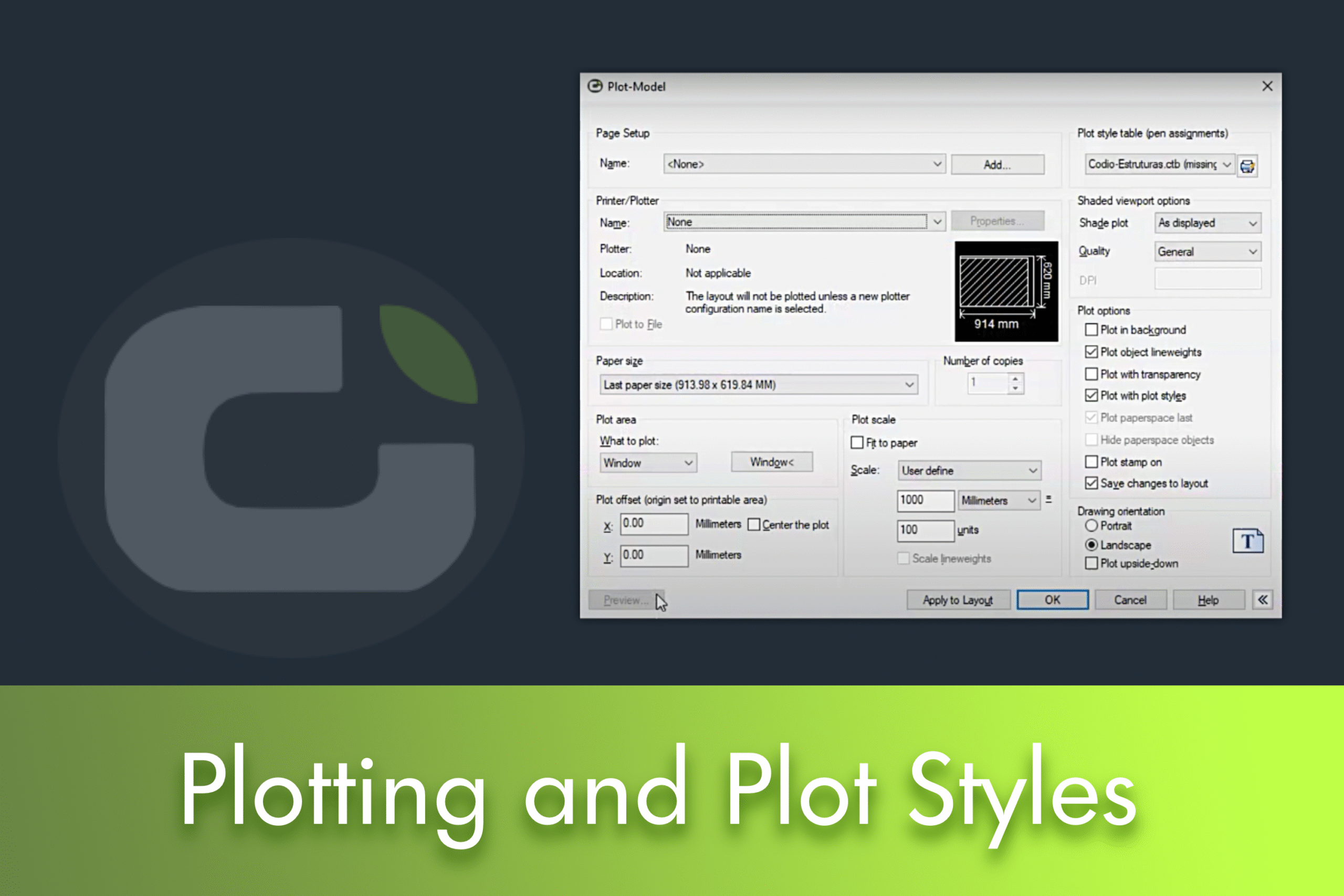
This article explains step by step how to print drawings in LusoCAD and correctly configure the plotting options, including adjusting scale and page orientation. It also shows how to create and manage plotting styles to personalise the presentation of your projects.

LusoCAD offers fundamental tools such as Polar Tracking for drawing at precise angles and Orthogonal Mode for strictly 90-degree lines, increasing users' design efficiency and precision.


 English
  Portuguese
  Spanish