How to use the Array tool in LusoCAD: Rectangular, Polar and by Path
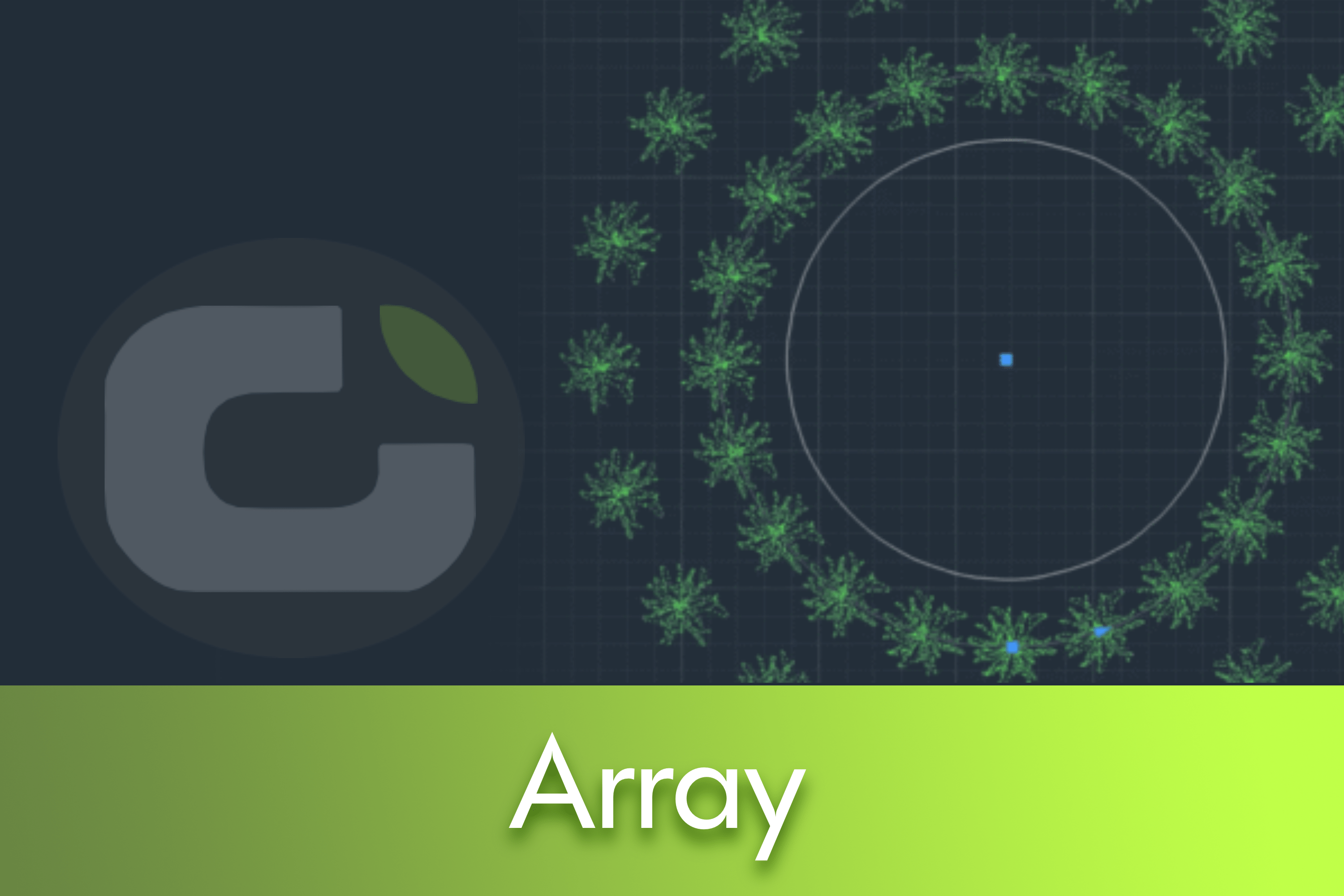
In this practical guide, we explain how LusoCAD's Array tool distributes objects in rectangular and circular patterns and along a path.


In this practical guide, we explain how LusoCAD's Array tool distributes objects in rectangular and circular patterns and along a path.
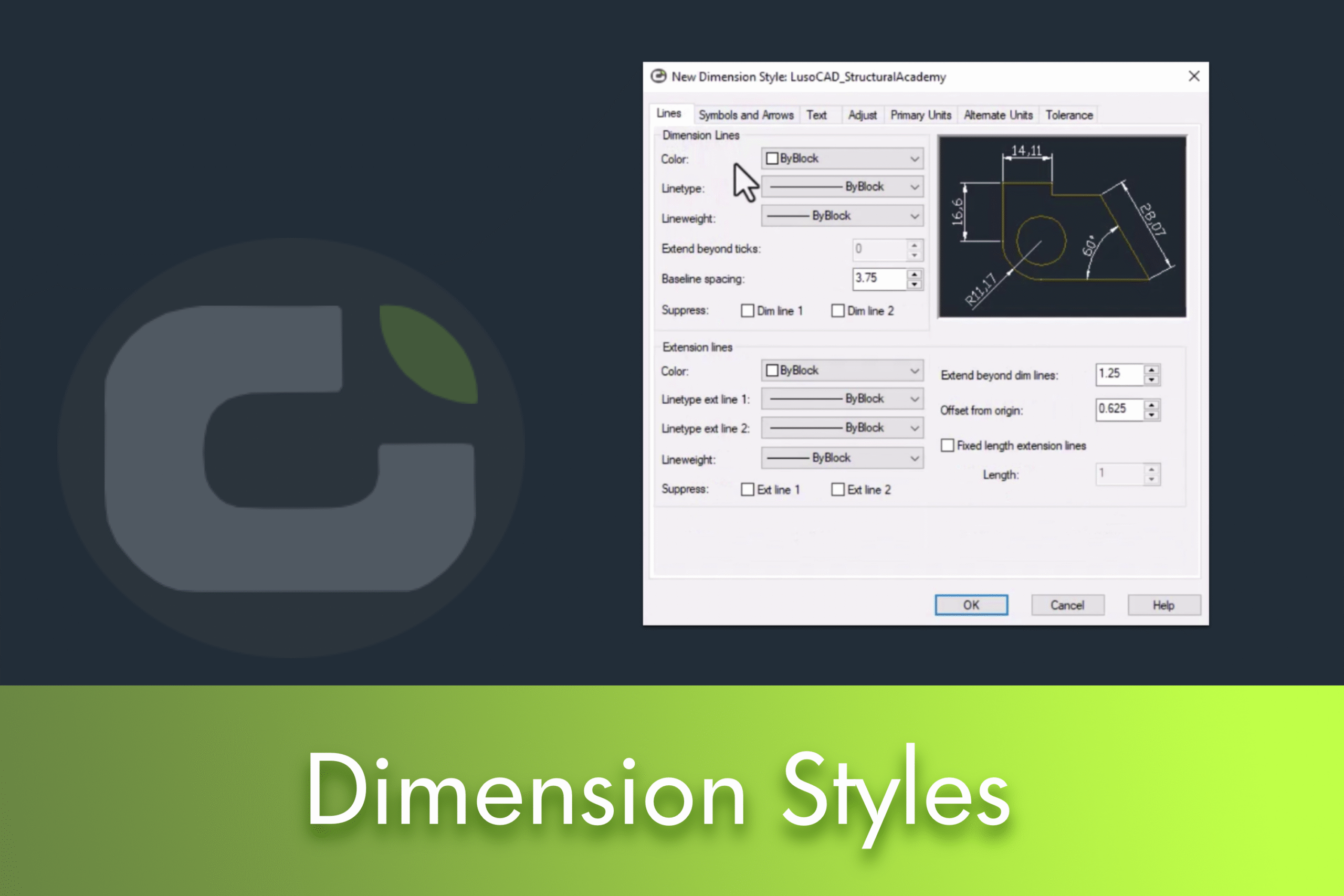
Dimension styles in LusoCAD control the appearance of dimensions in your drawing: lines, arrows, text and units. Customising them ensures legibility, graphic consistency and compliance with project standards. In this guide, you'll see how to open the style manager, create a new style and adjust the main tabs to get clear, uniform dimensions at any scale.
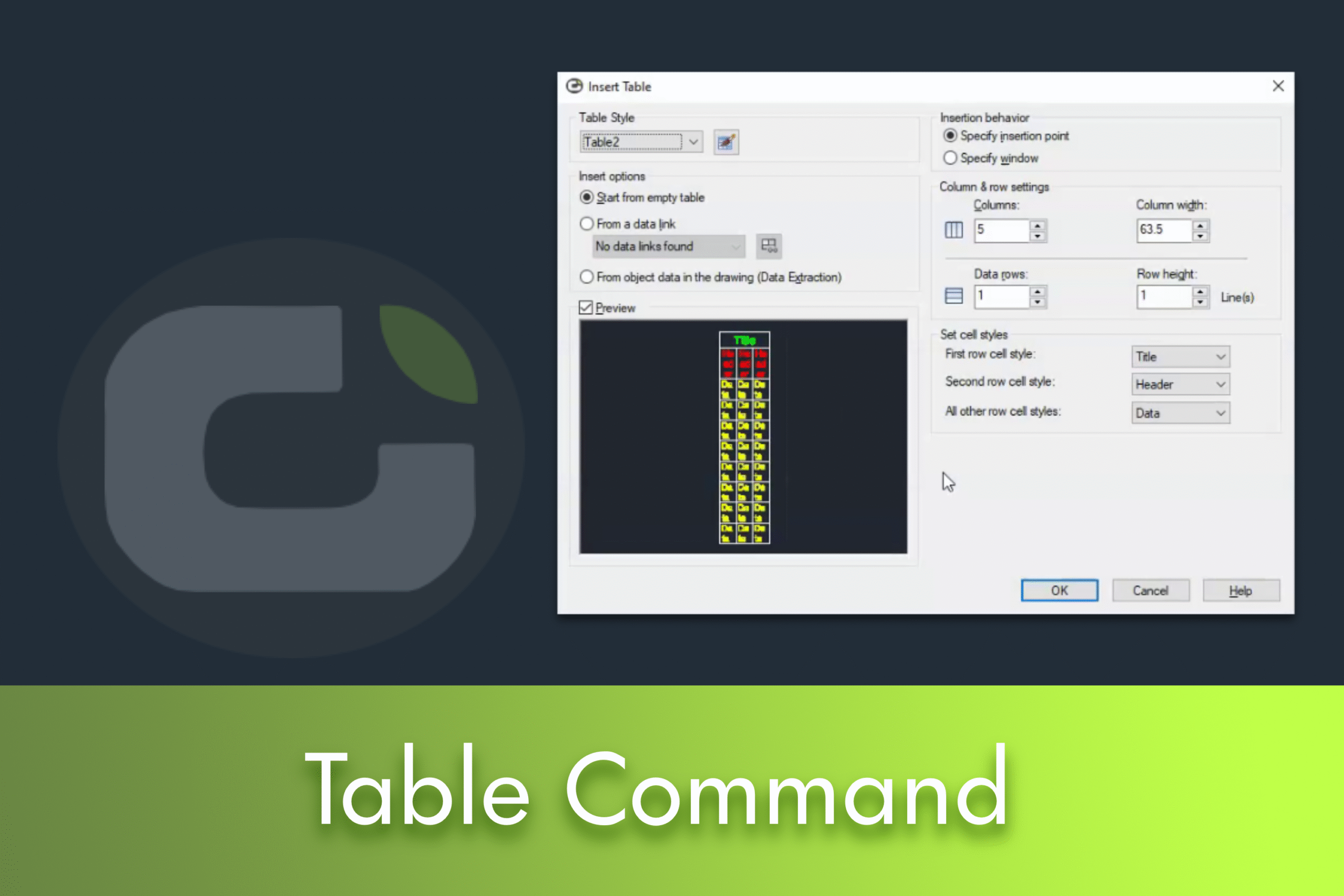
Creating tables can be an essential skill for anyone who wants to present data clearly and efficiently. In this article, we'll guide you through the basics of creating and customising tables in LusoCAD, based on our recent video tutorial.
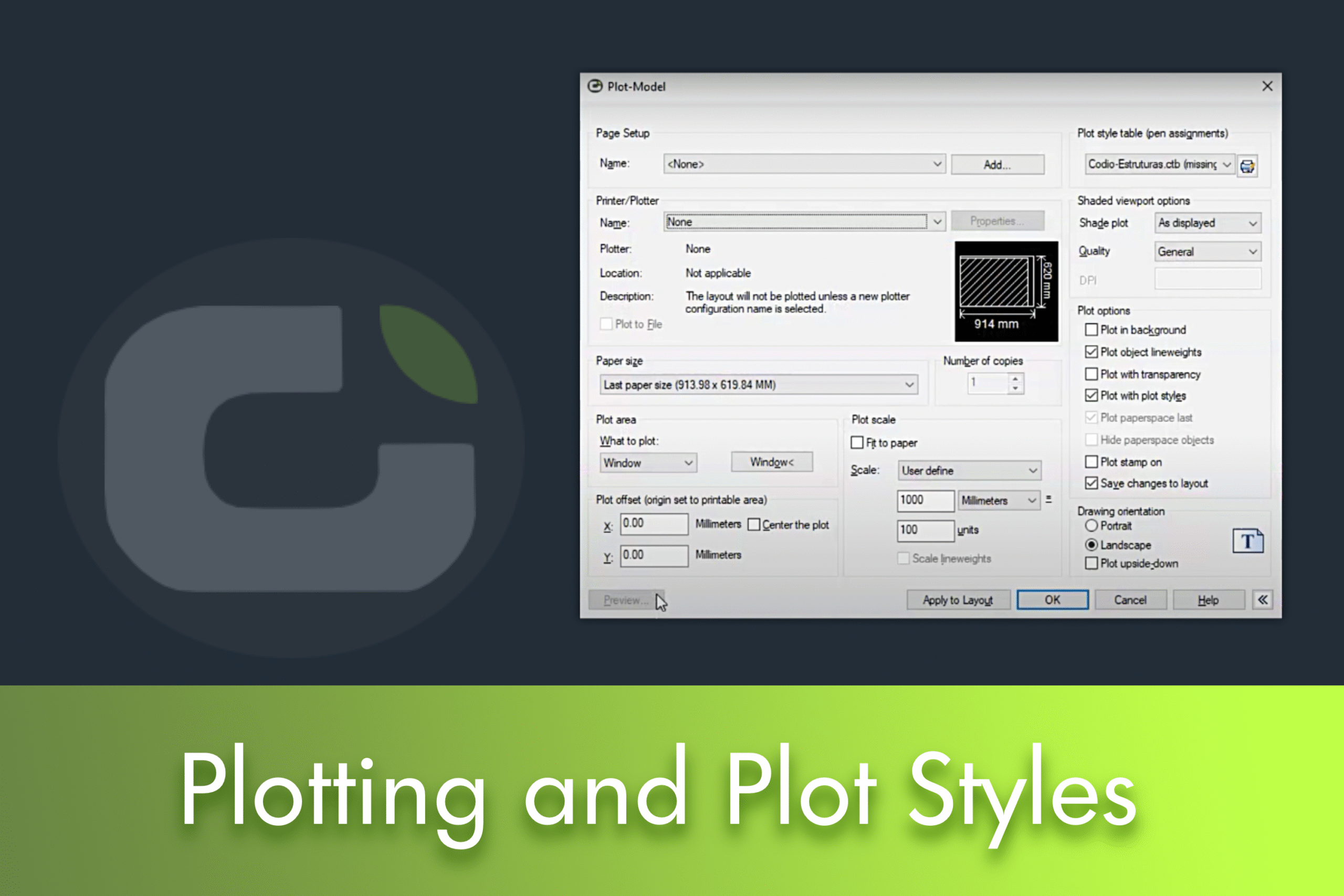
This article explains step by step how to print drawings in LusoCAD and correctly configure the plotting options, including adjusting scale and page orientation. It also shows how to create and manage plotting styles to personalise the presentation of your projects.

LusoCAD offers fundamental tools such as Polar Tracking for drawing at precise angles and Orthogonal Mode for strictly 90-degree lines, increasing users' design efficiency and precision.

LusoCAD's Snap function is a fundamental tool for achieving precision when working with drawings and models. Thanks to this function, it is possible to select exact locations on objects, such as midpoints, corners and centres, facilitating the work of both beginners and advanced users.

When you upgrade to a newer version of LusoCAD, you don't have to lose your carefully customised settings. Whether you've customised your layout, fonts or colours, this guide will show you how to preserve your preferences during upgrades. This method works for all versions, including transitions from LusoCAD 2023 to 2024 or 2025.
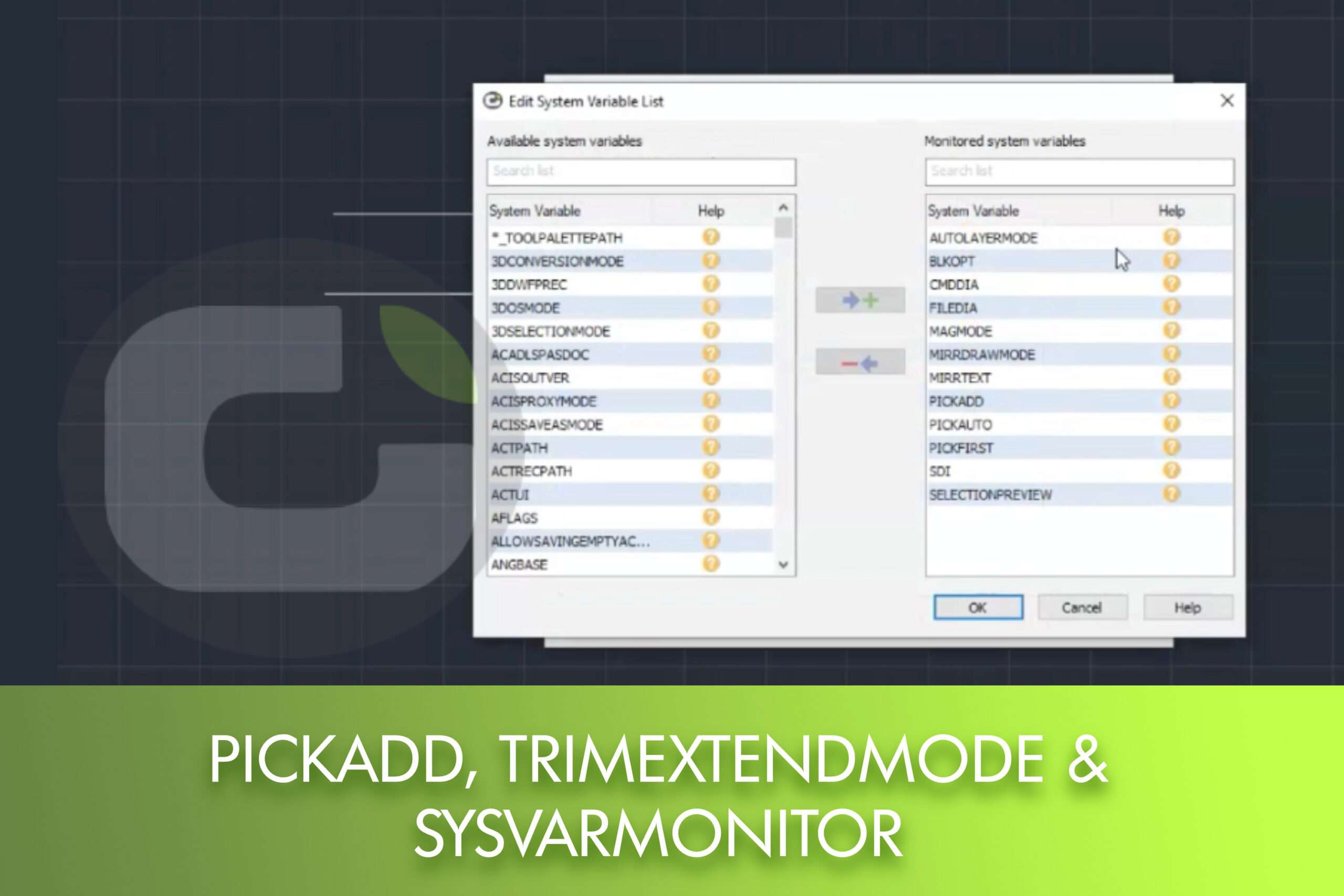
In this article, you'll learn how to redefine important system variables to maximise your efficiency when using LusoCAD.

You can now convert point clouds into CAD thanks to the integration of Undet Point Cloud into LusoCAD 2025. The new module allows you to import, visualise and edit millions of points directly in LusoCAD, simplifying the transition from 3D survey to 2D/3D drawing.

Creating custom hatch patterns can significantly improve your CAD drawings.


 English
  Portuguese
  Spanish