Using the PLANESURF command in LusoCAD
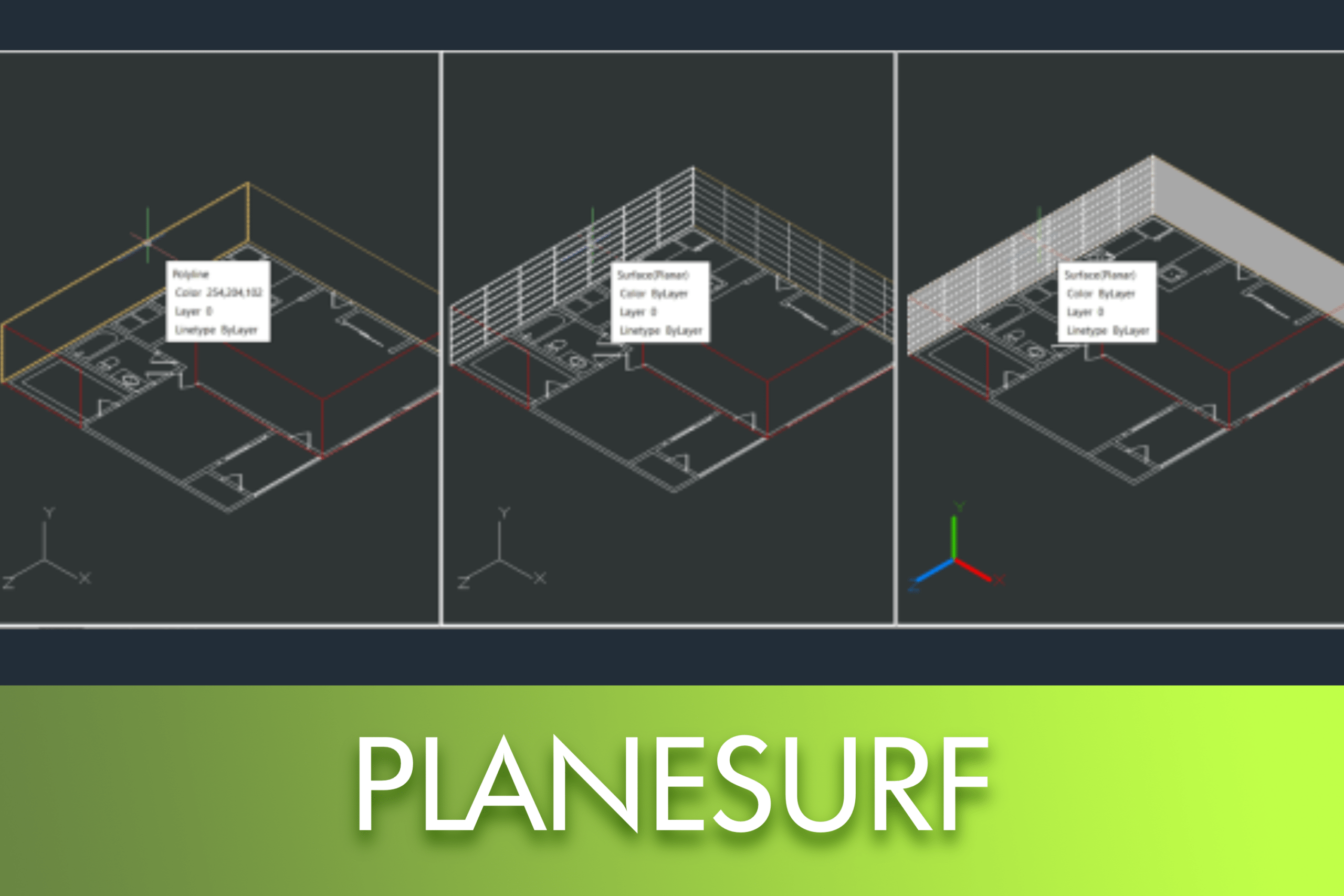
The PLANESURF command allows you to create flat surfaces in LusoCAD simply and efficiently, either from existing closed objects or by directly defining a rectangular area.


 Juan
Juan
The PLANESURF command allows you to create flat surfaces in LusoCAD simply and efficiently, either from existing closed objects or by directly defining a rectangular area.
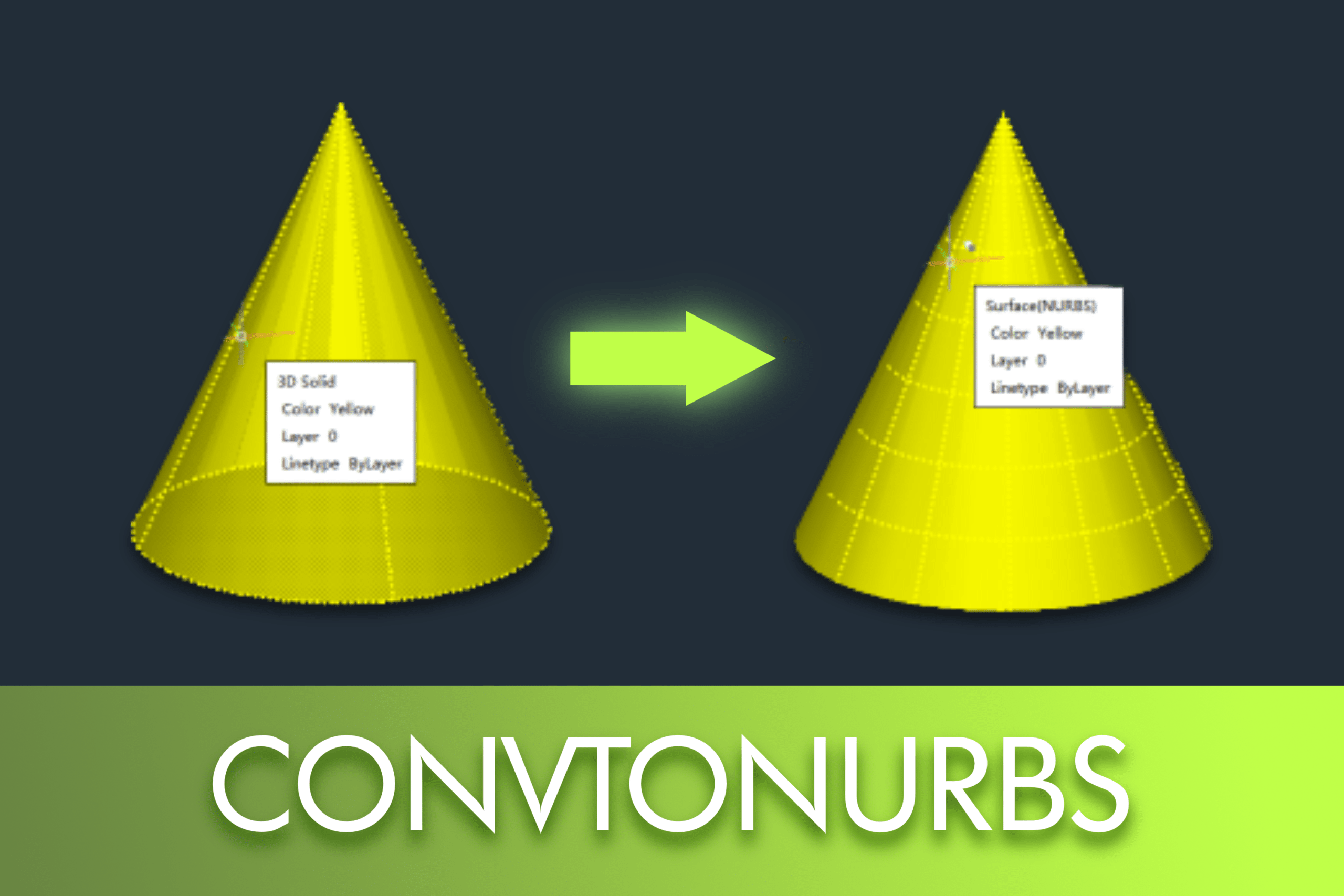
NURBS (Non-Uniform Rational B-Splines) surfaces are a widely used mathematical representation in CAD and 3D modelling for creating smooth, precise, and highly editable geometry. Unlike simple meshes or basic surfaces, NURBS allow for exact curves, smooth continuity, and advanced shape control through control vertices (CVs).
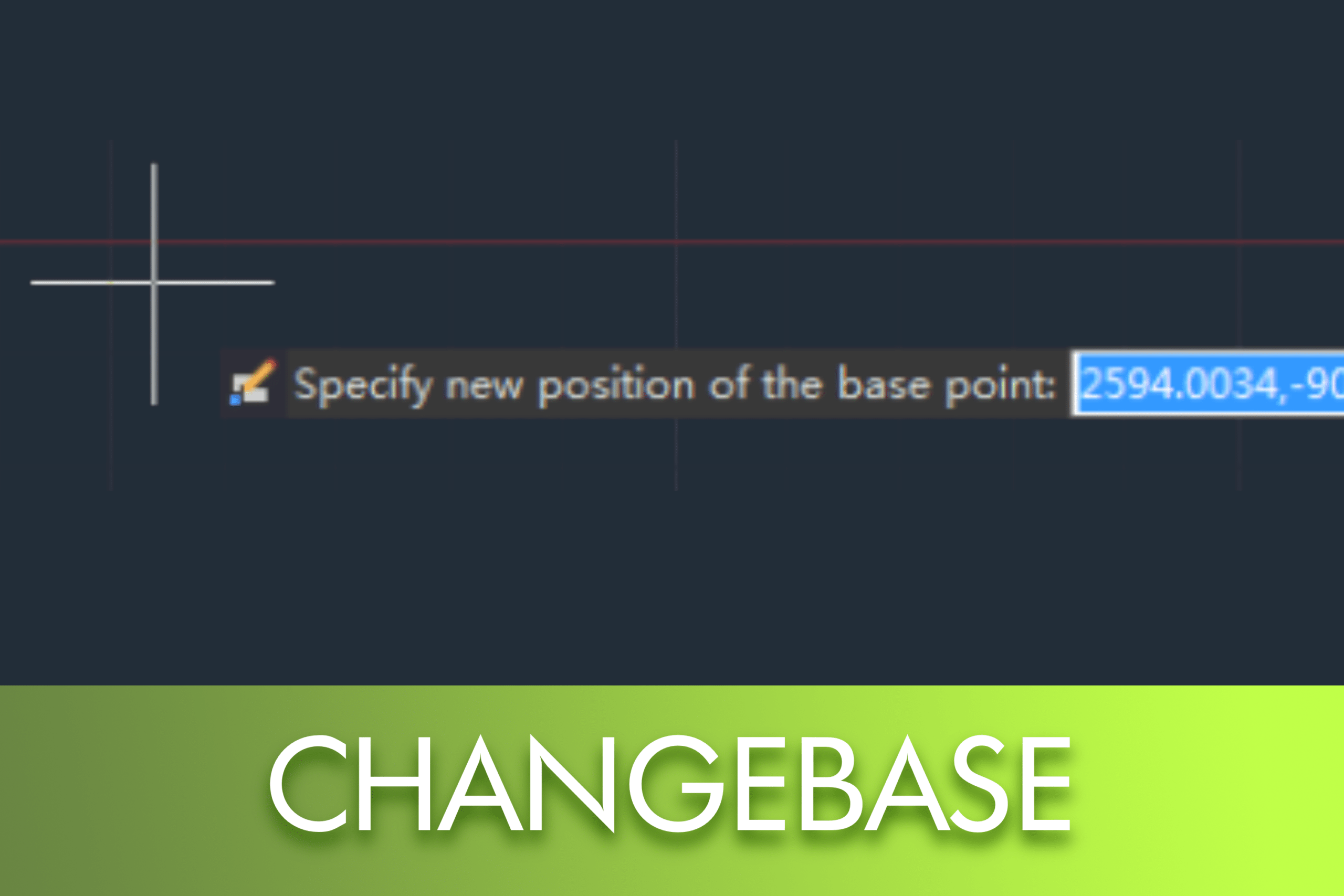
The CHANGEBASE command in LusoCAD allows you to redefine the base point of a block without exploding it, ensuring greater control over its insertion and alignment. It is possible to choose between moving only the base point or displacing the block's geometry, as required by the drawing.
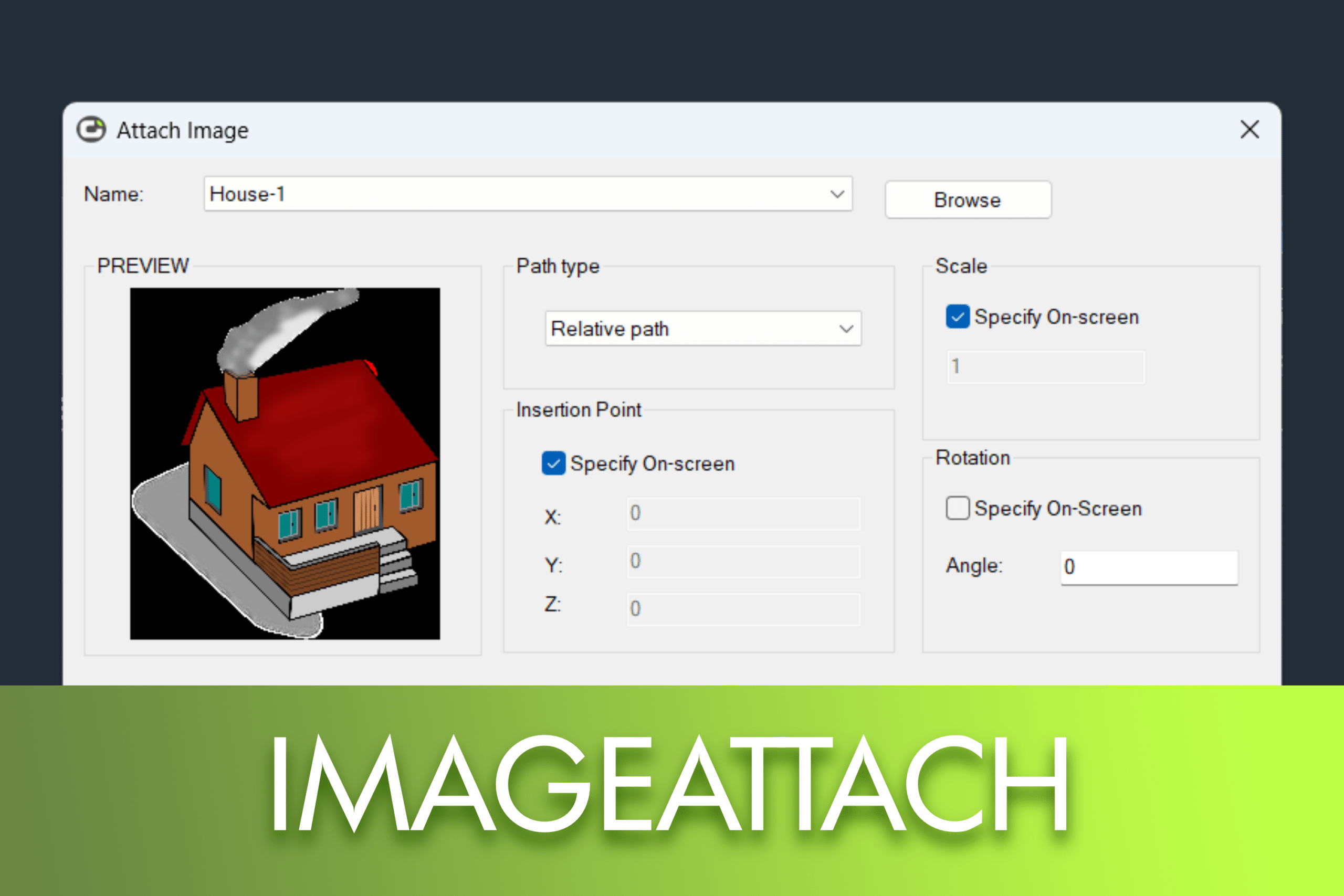
Raster images are often used in CAD workflows to reference scanned drawings, terrain photographs, or background images. Understanding how raster images work in LusoCAD helps you integrate them efficiently into your drawings without compromising performance or accuracy.
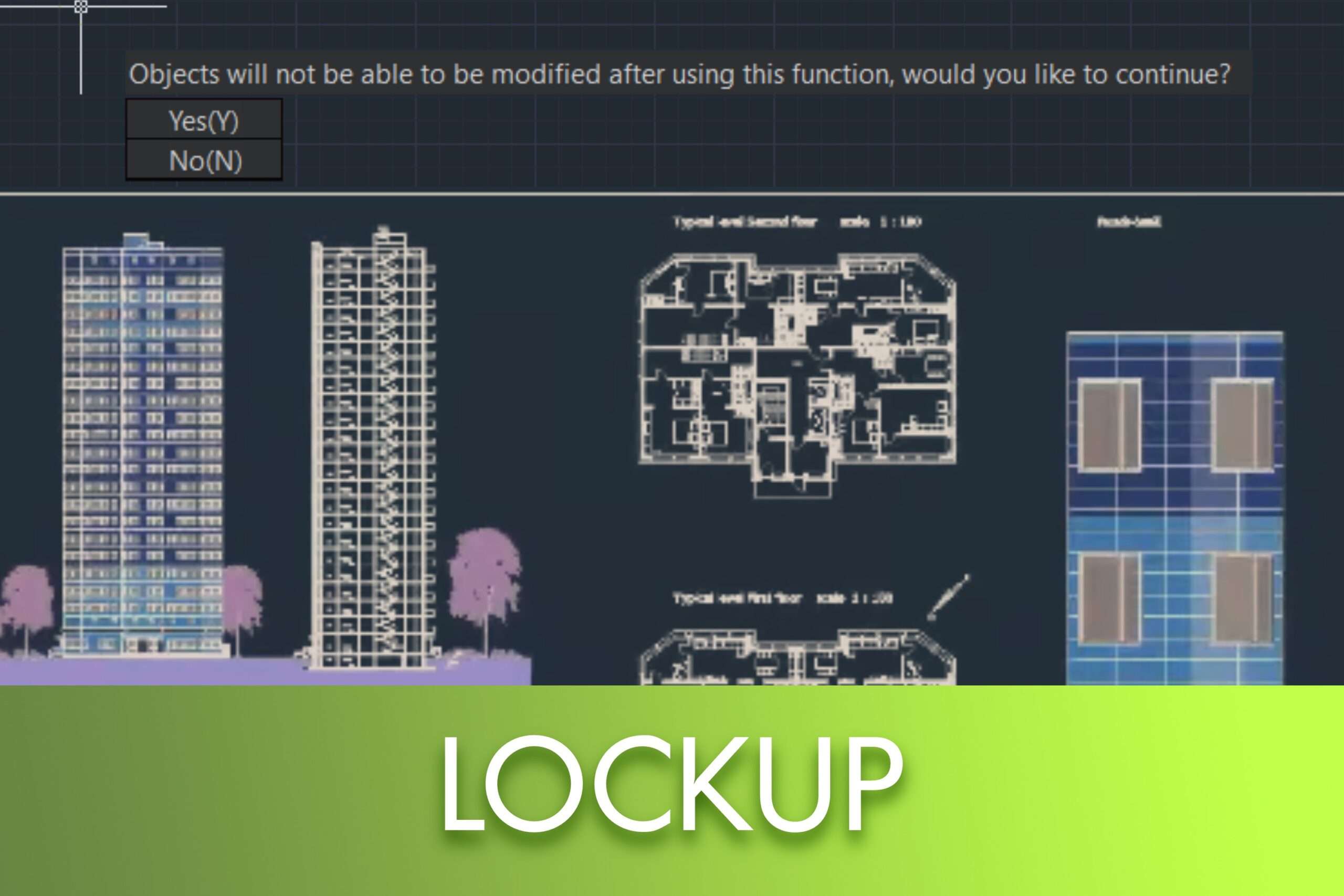
In some situations, a designer needs to share drawings with other people while preventing changes from being made to the content. Drawing Lock is a useful Express Tool in LusoCAD that helps protect your work by converting the entire drawing into a single block.
Once locked, the drawing cannot be exploded or edited, which prevents other users from modifying the original objects. In this way, Drawing Lock is an effective solution for safeguarding your project when sharing files.
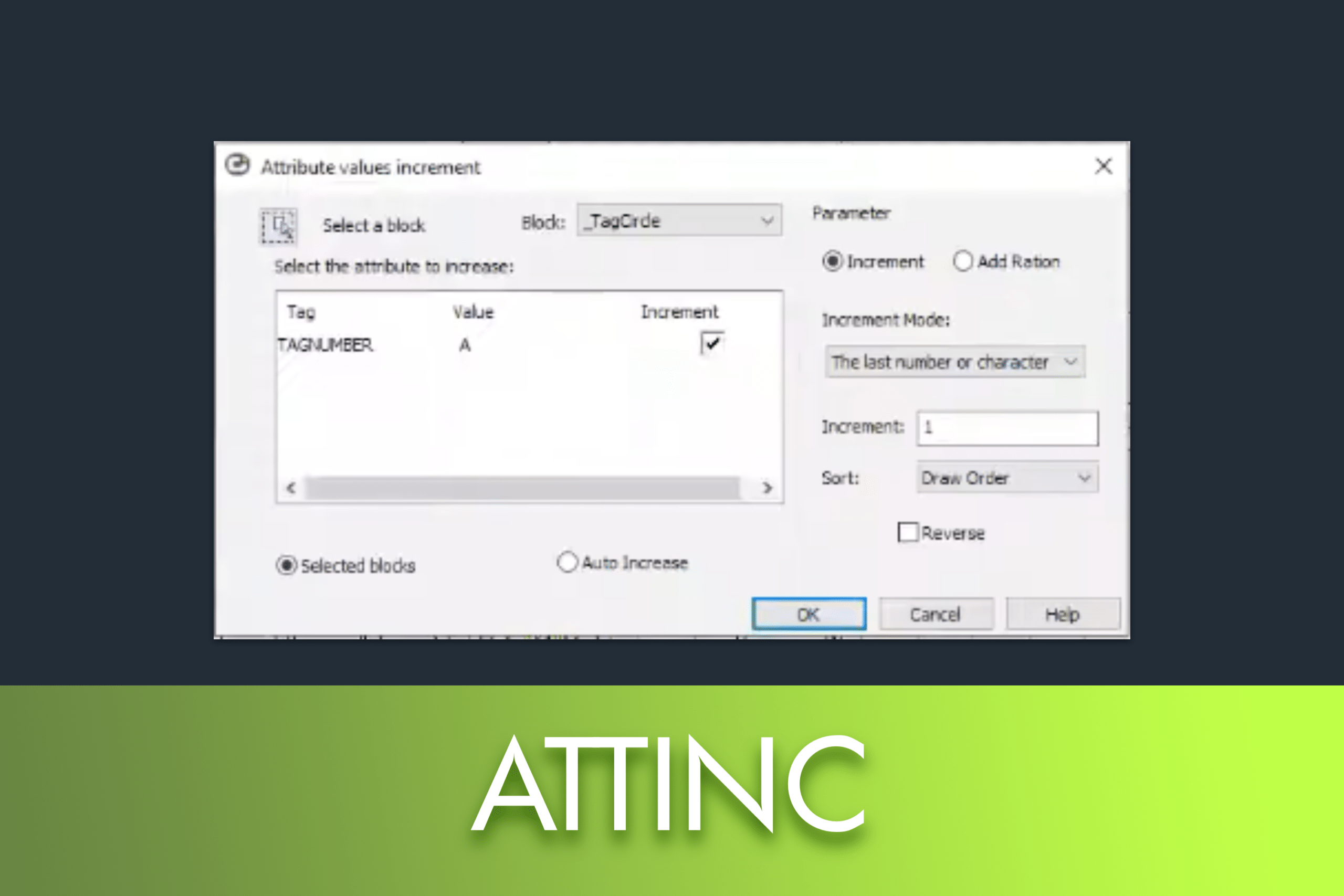
The Attribute Increment command in LusoCAD is a powerful tool designed to automate the numbering or lettering of attributes within blocks. Instead of manually editing each block, this command allows you to specify incremental values and modify them based on specific sorting logic.
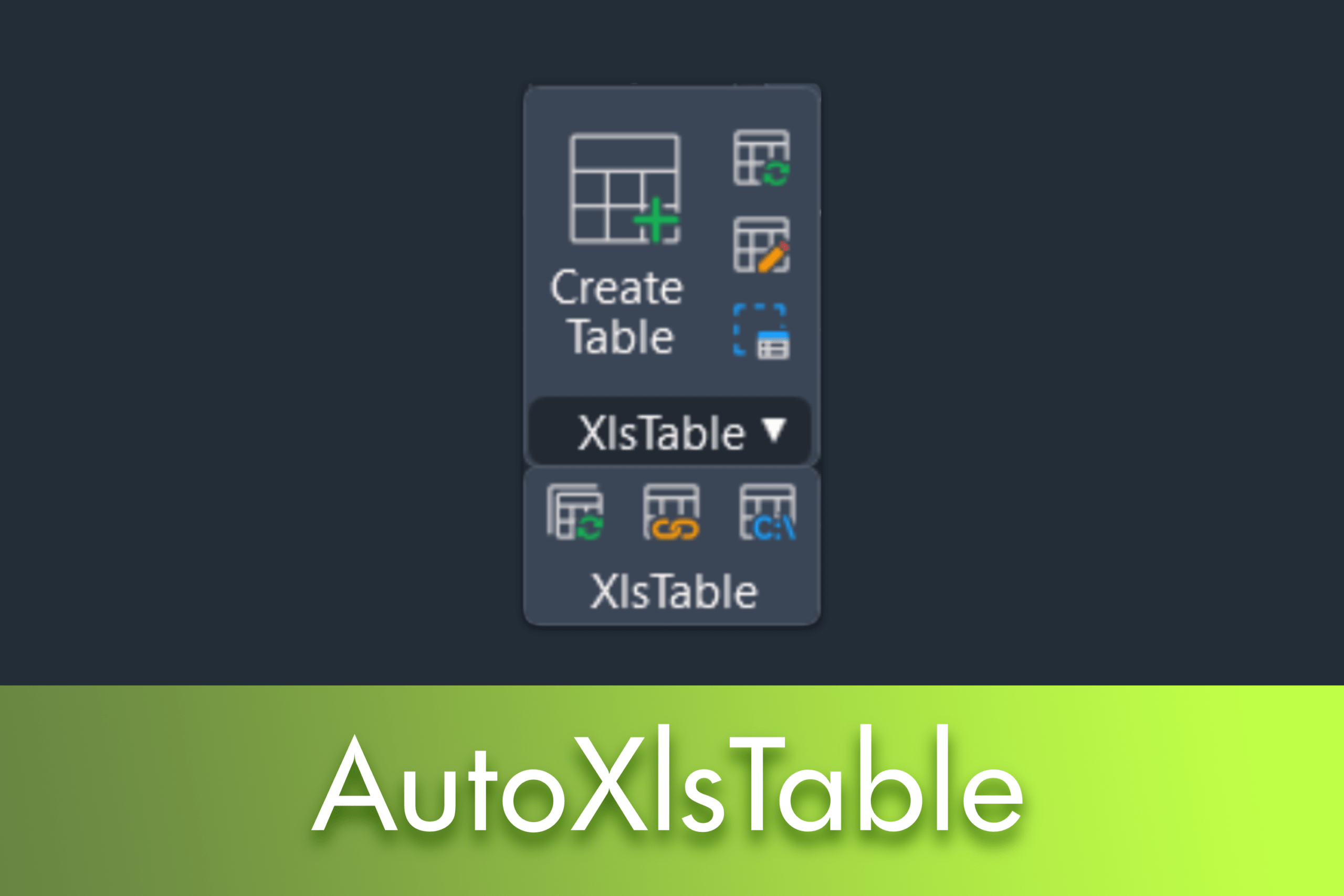
This guide explains how AutoXlsTable, introduced in LusoCAD 2020, allows you to integrate and synchronise Excel tables with your drawings, automating real-time calculations of areas and lengths.
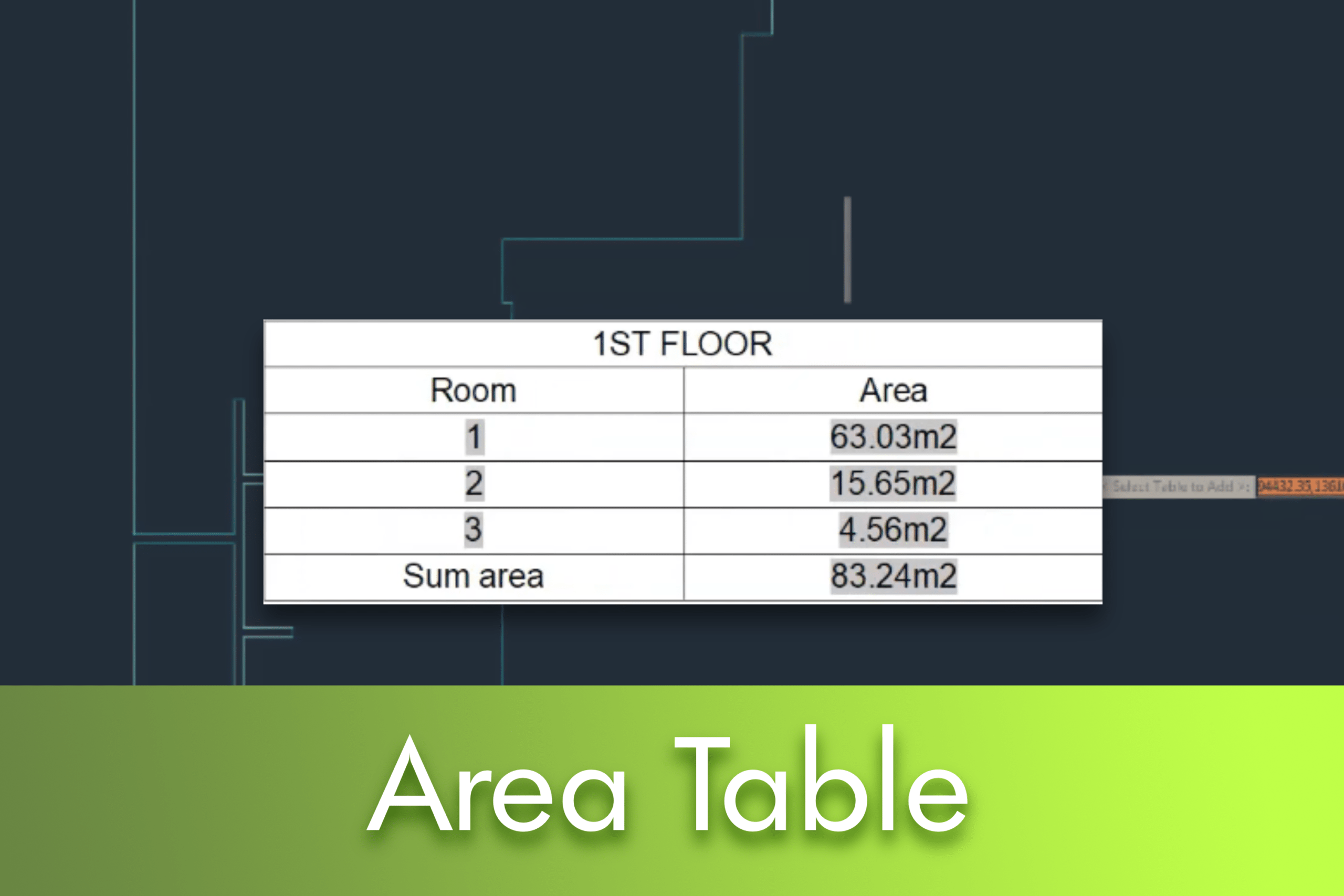
This guide explains how to use the Area Table command, a feature introduced in LusoCAD 2020 that automates the calculation of areas of closed objects and the generation of dynamic tables directly in the technical drawing.
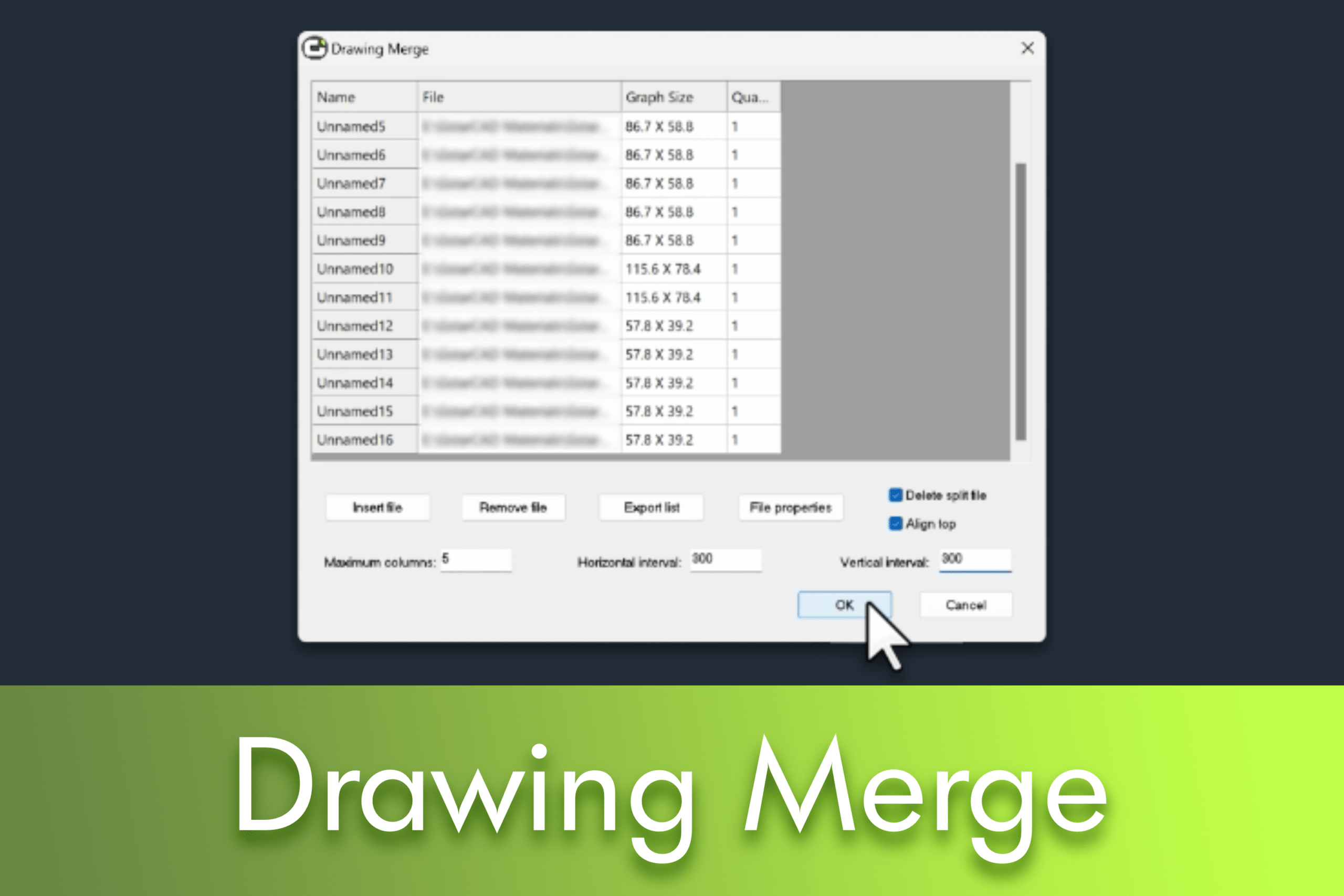
Managing multiple drawings efficiently is essential for maintaining good document organisation and a smooth workflow. Lusocad's Drawing Merge feature simplifies this process by allowing you to analyse, split and merge drawings in batches using Xrefs, while also offering various layout customisation options.
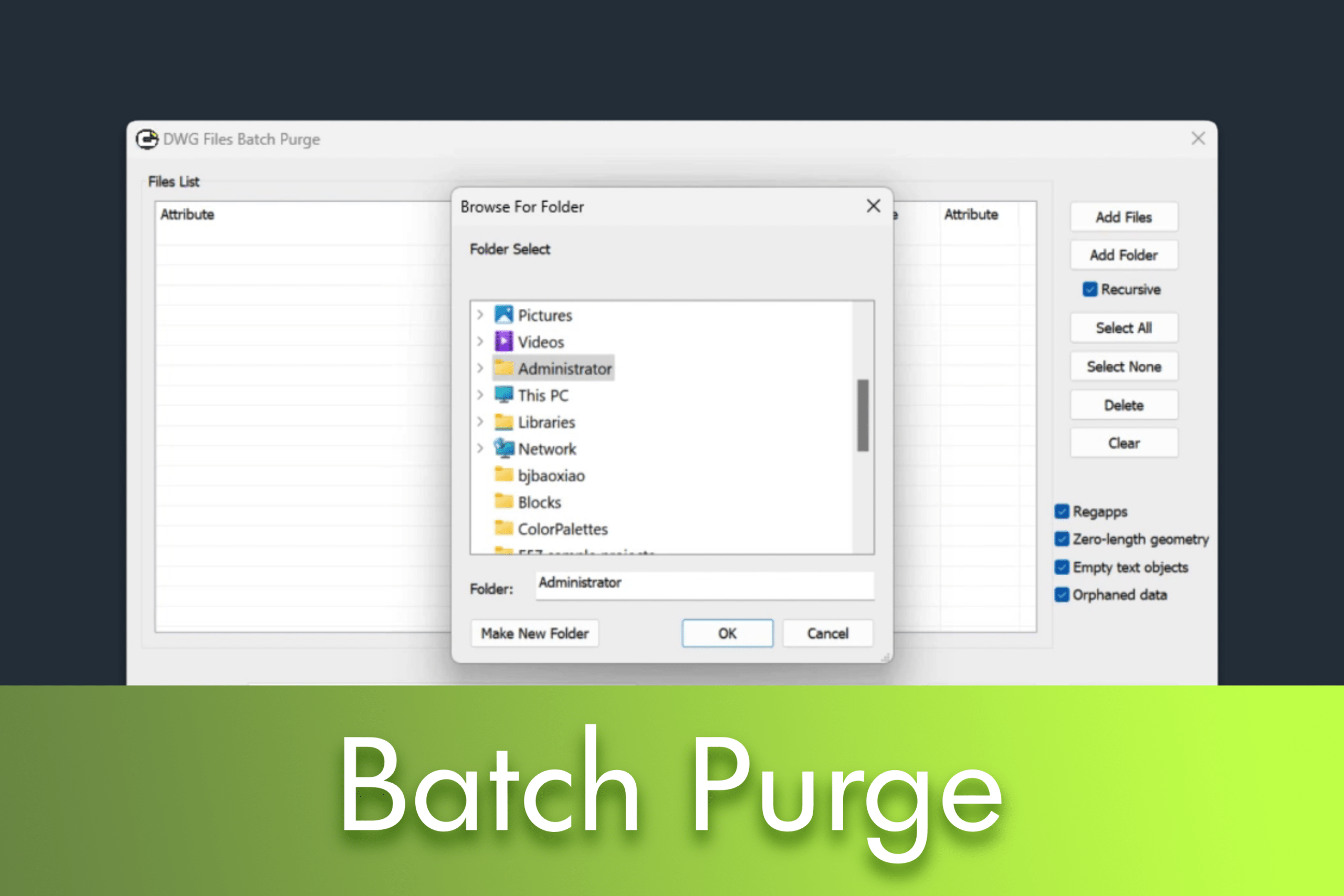
Efficient management of DWG files is essential to ensure a fast and organised workflow. With the launch of LusoCAD 2026, the process of cleaning up and optimising drawings has become even simpler thanks to the new Batch Purge improvements. In this article - which accompanies our video tutorial - we show you how these new features help remove hidden data, reduce file size and keep your projects lighter and easier to manage.


 English
  Portuguese
  Spanish